
Upgrade Smarter, Not Harder

Which Apple Device Should You Buy Next Based on What You Already Own?

Upgrading inside the Apple ecosystem should feel smooth. In reality, most people upgrade the hard way. They buy the newest shiny thing, feel excited for two weeks, then realize nothing meaningful actually changed in their daily life.
This guide is about upgrading smarter. The goal is simple: every new Apple device you buy should remove friction. It should make work faster, creativity easier, communication smoother, and your day less stressful.
By the end of this, you should clearly know what to buy next based on what you already own, which ecosystem combinations actually feel like a real level up, how to choose based on use and budget, and the most common mistakes that waste money.
The Smart Upgrade Rule: Fix the Bottleneck First
Before you think about models, generations, or specs, pause and answer one question honestly.
What is slowing you down right now?
For some people it’s battery anxiety. For others, storage is always full. Maybe work feels messy and disorganized. Maybe content creation takes too long. Maybe you miss calls and messages while busy. Or maybe moving between devices just feels clumsy.
Your next upgrade should solve that specific problem. If it doesn’t, it’s probably the wrong upgrade.
The Apple Upgrade Ladder (Simple and Logical)

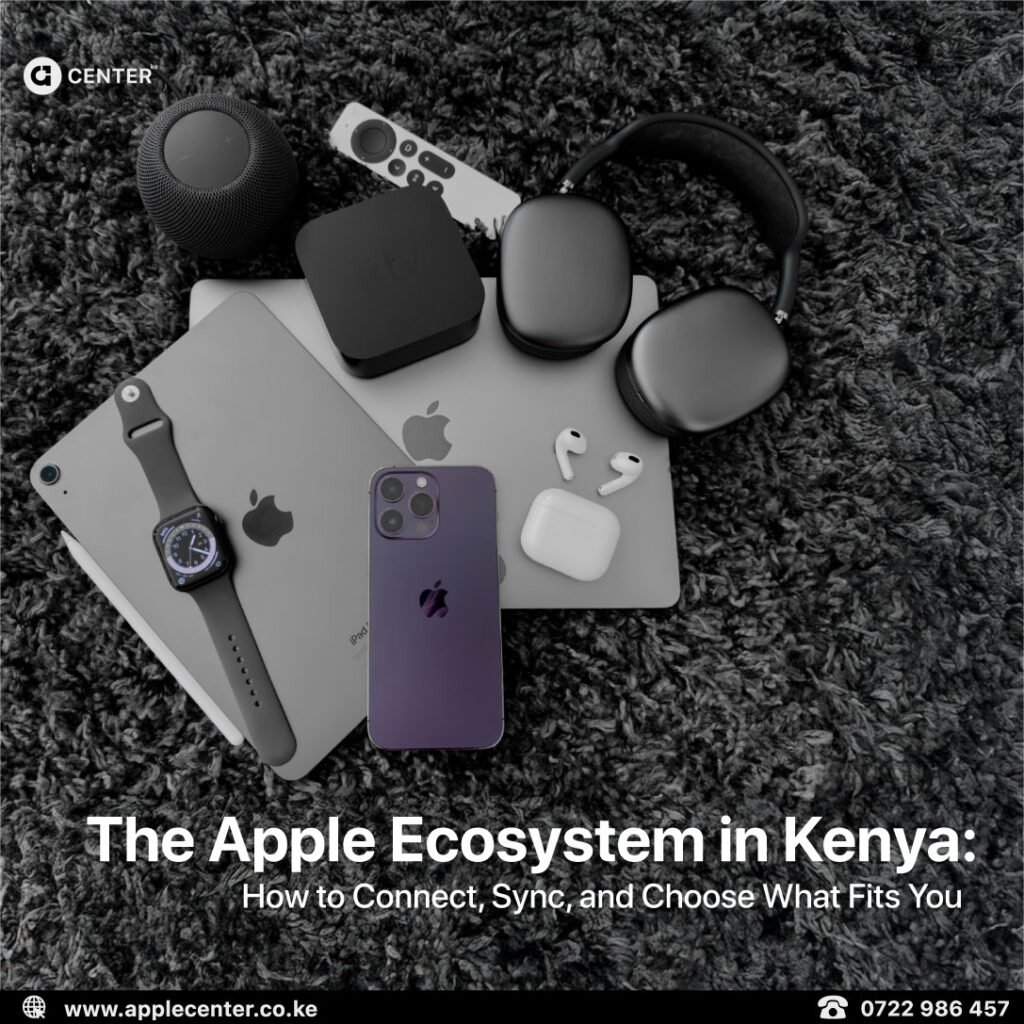
There is a natural order that makes Apple feel effortless when done right. Not everyone needs every step, but this sequence works for most people.
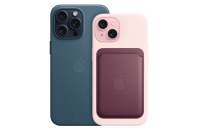
The iPhone sits at the center. It is the hub. Everything else supports or extends it.
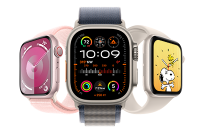
AirPods usually come next because they improve calls, focus, and convenience instantly. Apple Watch follows for health, habits, and staying connected without distraction. The iPad comes in when portability and flexible productivity matter. The Mac sits at the top for deep work and serious output.
You don’t need everything. You need the right next step.
If You Already Own an iPhone: What Should You Buy Next?
For most people, the smartest second device is not another phone. It’s an accessory or companion that upgrades daily life.

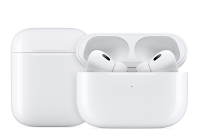
AirPods are the most underrated upgrade. If you take calls often, commute, work in noisy spaces, go to the gym, or consume a lot of content, AirPods immediately improve how your iPhone fits into your day. Nothing about your workflow changes, but everything feels smoother.
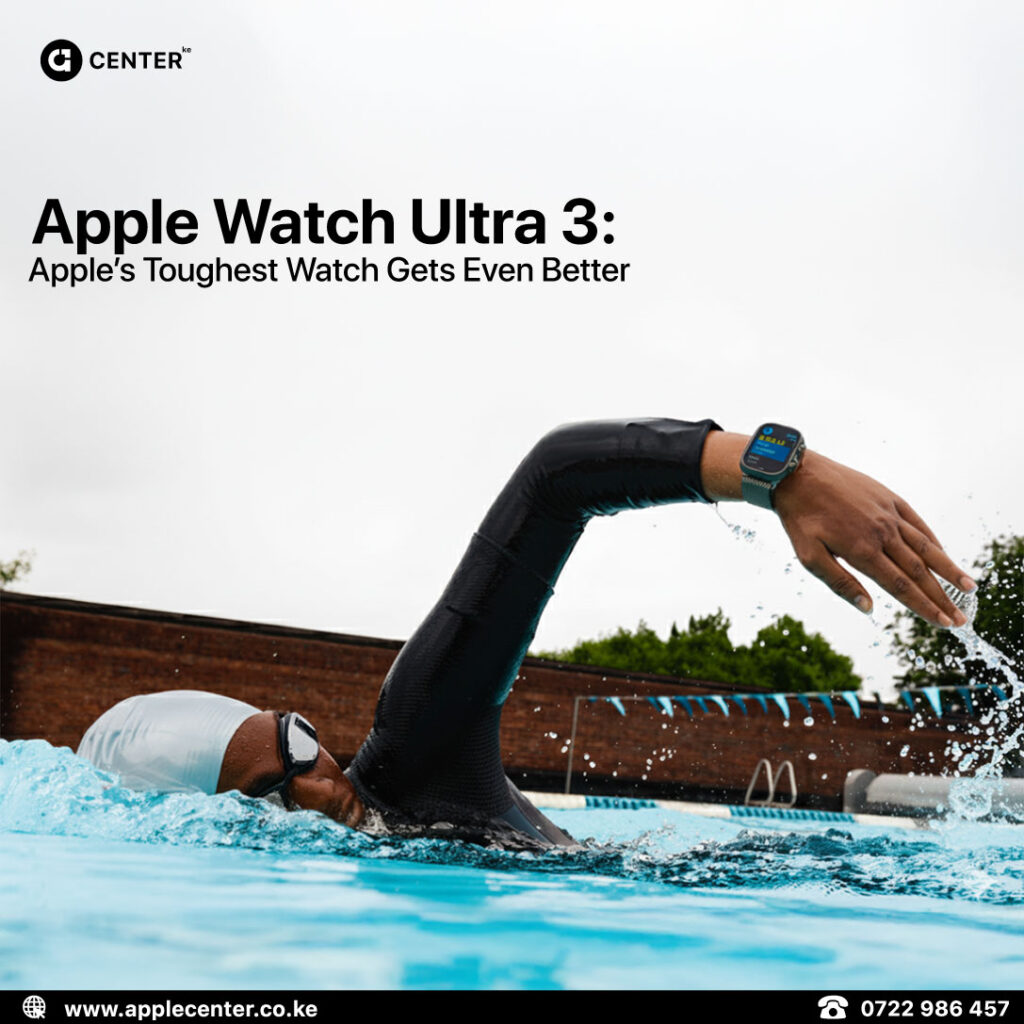
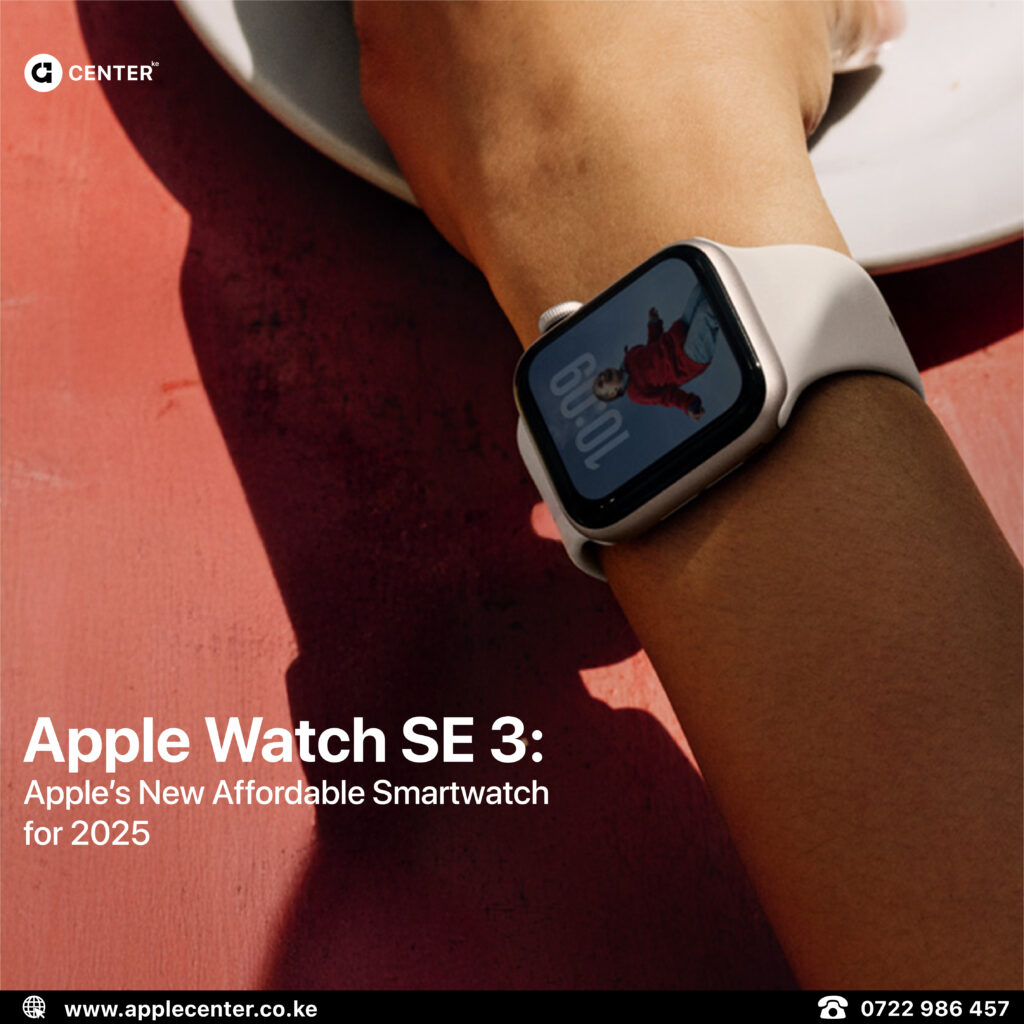
Apple Watch makes sense when lifestyle and habits matter. It quietly improves fitness tracking, sleep awareness, notifications, and time management. You check your phone less but stay more connected. It’s one of those upgrades that works in the background.


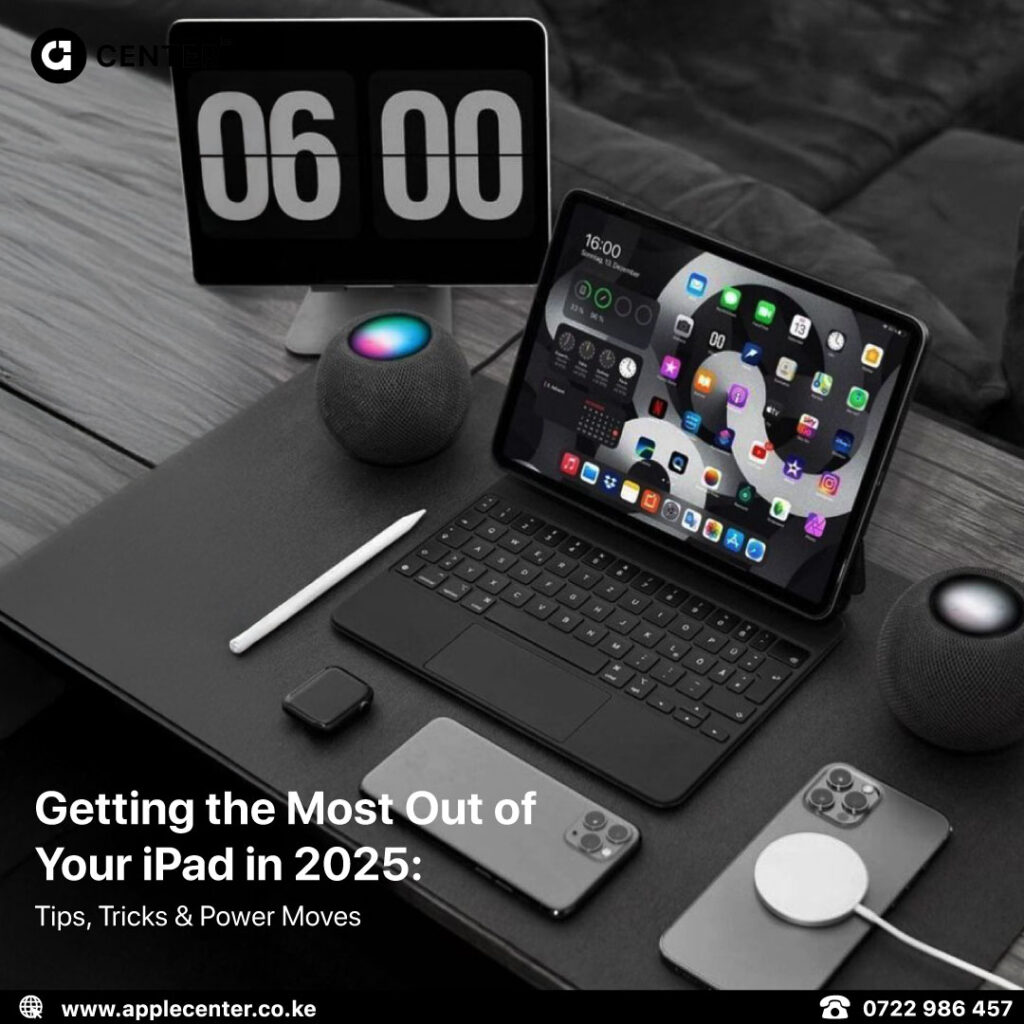
The iPad is the move when you want portable productivity without carrying a laptop. It shines for studying, reading, admin work, note-taking, and content creation on the go. Add a keyboard and it feels like a lightweight workstation. Remove it and it’s back to a tablet. That flexibility is the magic.
A Mac becomes the obvious upgrade when your output matters. If you work with documents daily, design, code, edit video, or multitask heavily, a Mac pays for itself in speed and clarity. If your income depends on your work, this is often the highest return upgrade.

If You Already Own an iPad: What’s the Smart Next Move?

Many people already own a capable iPad but never unlocked its full value.
A keyboard is usually the biggest upgrade here. Once typing becomes comfortable, the iPad shifts from a consumption device into a work tool. Emails, school work, proposals, admin tasks, and planning all become easier.
Apple Pencil changes how ideas move from your head to the screen. It’s perfect for notes, studying, planning, journaling, signing documents, and visual thinking. For creators and entrepreneurs, it turns the iPad into an execution tool.
Upgrading the iPad itself should only happen when you feel real limits. Lag in apps, storage constantly full, battery struggling, or your work becoming heavier are valid reasons. Upgrading just because a new model exists usually isn’t.
If You Already Own a Mac: What Complements It Best?

If meetings and calls dominate your day, AirPods dramatically improve your work experience. Clear audio and easy switching matter more than people admit.
If your phone constantly breaks your focus, Apple Watch helps you stay informed without derailing your concentration. Notifications become intentional instead of intrusive.
If you move around a lot, the iPad becomes the perfect Mac companion. It handles reading, admin, notes, and light work while your Mac stays reserved for heavy lifting.
Switching From Android or Windows: The Low Stress Path
The smartest switch is gradual.
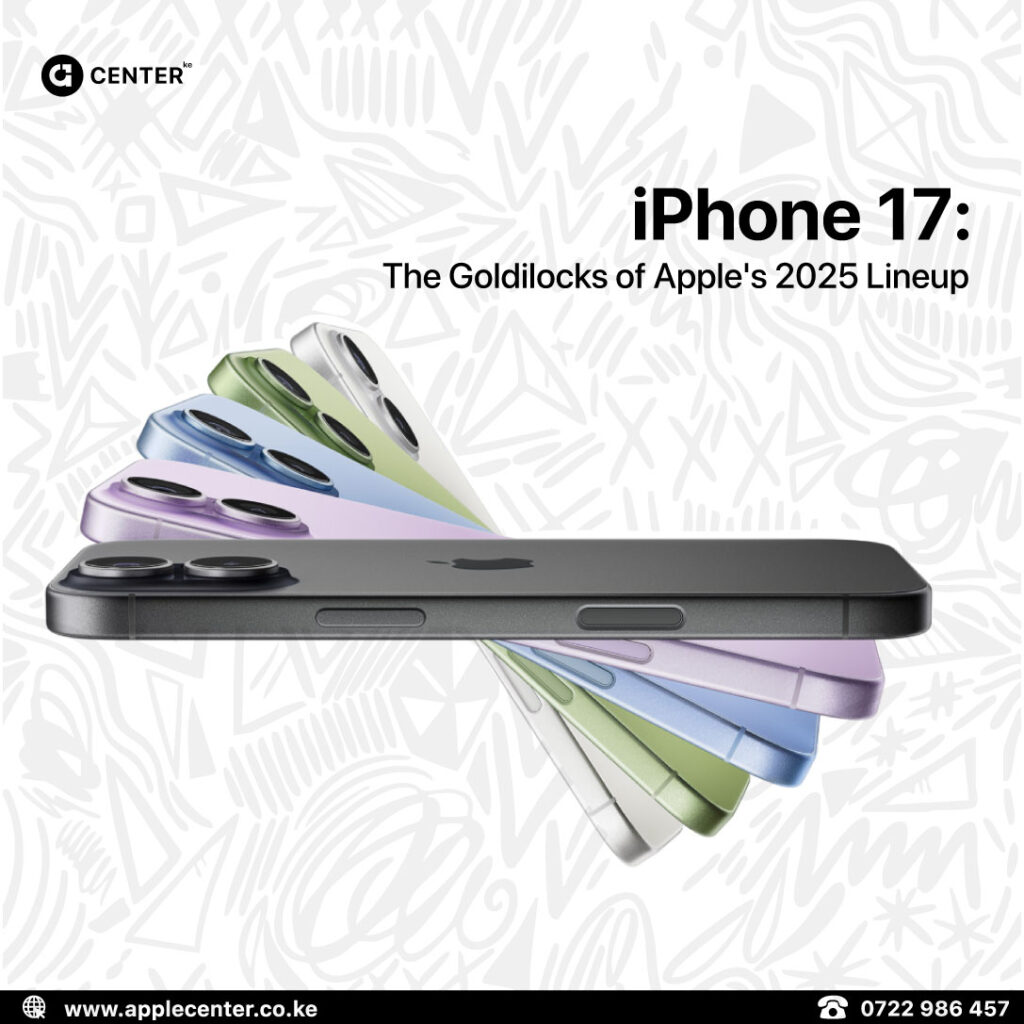
Start with an iPhone. Performance, camera quality, and long-term software support make the transition easy.
Add AirPods next. This is where the ecosystem feeling clicks. Calls and audio become seamless.
Then choose based on lifestyle. If fitness and habits matter, Apple Watch fits. If work, study, or creativity matter more, the iPad makes sense.
Add a Mac only when your workload demands it. That’s where deep work and production truly level up.
How to Upgrade Smarter by Budget
Instead of starting with model names, start with what you want to fix and the budget range you’re comfortable with.
At entry level, the biggest wins usually come from AirPods, a new iPhone within reach, or a basic iPad for work or school.
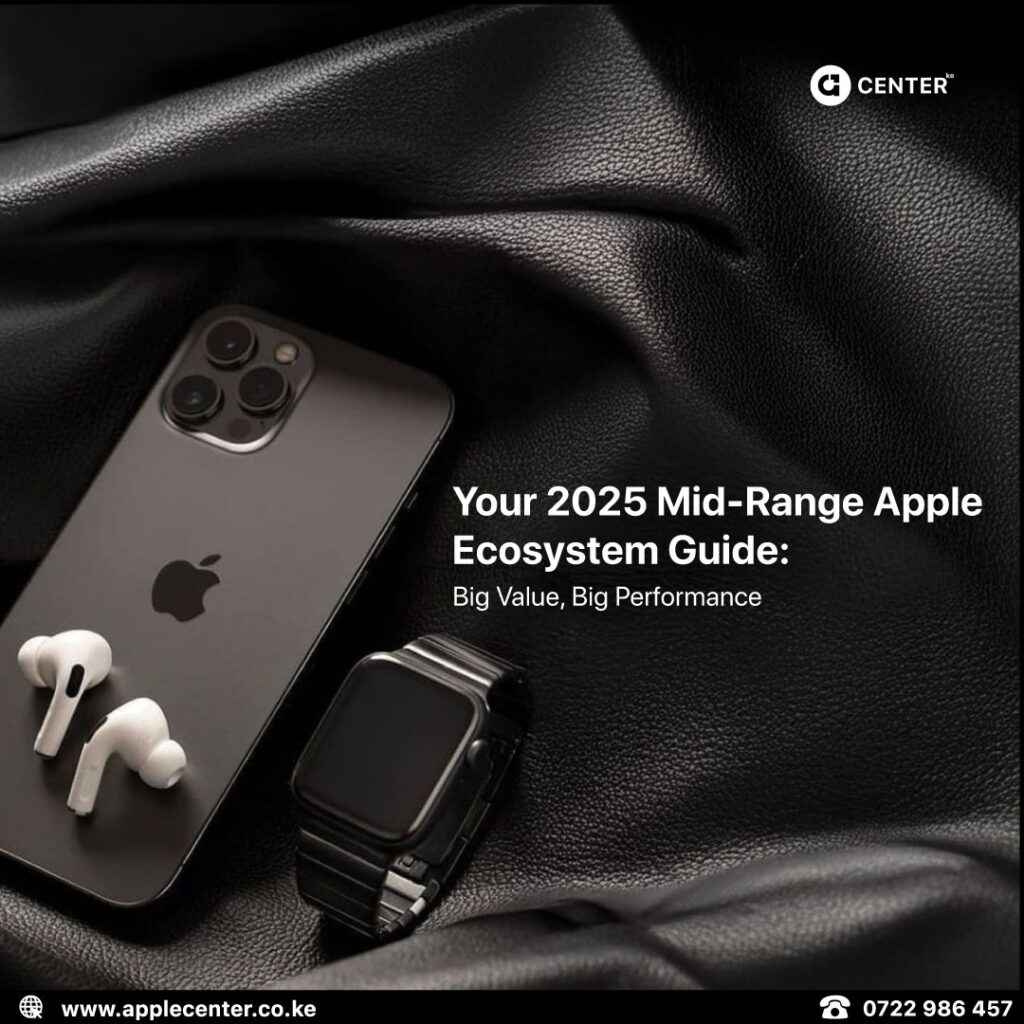
Mid-range upgrades often land in combinations. An iPhone paired with AirPods. An iPad with Apple Pencil for students or entrepreneurs. A MacBook Air for clean productivity.
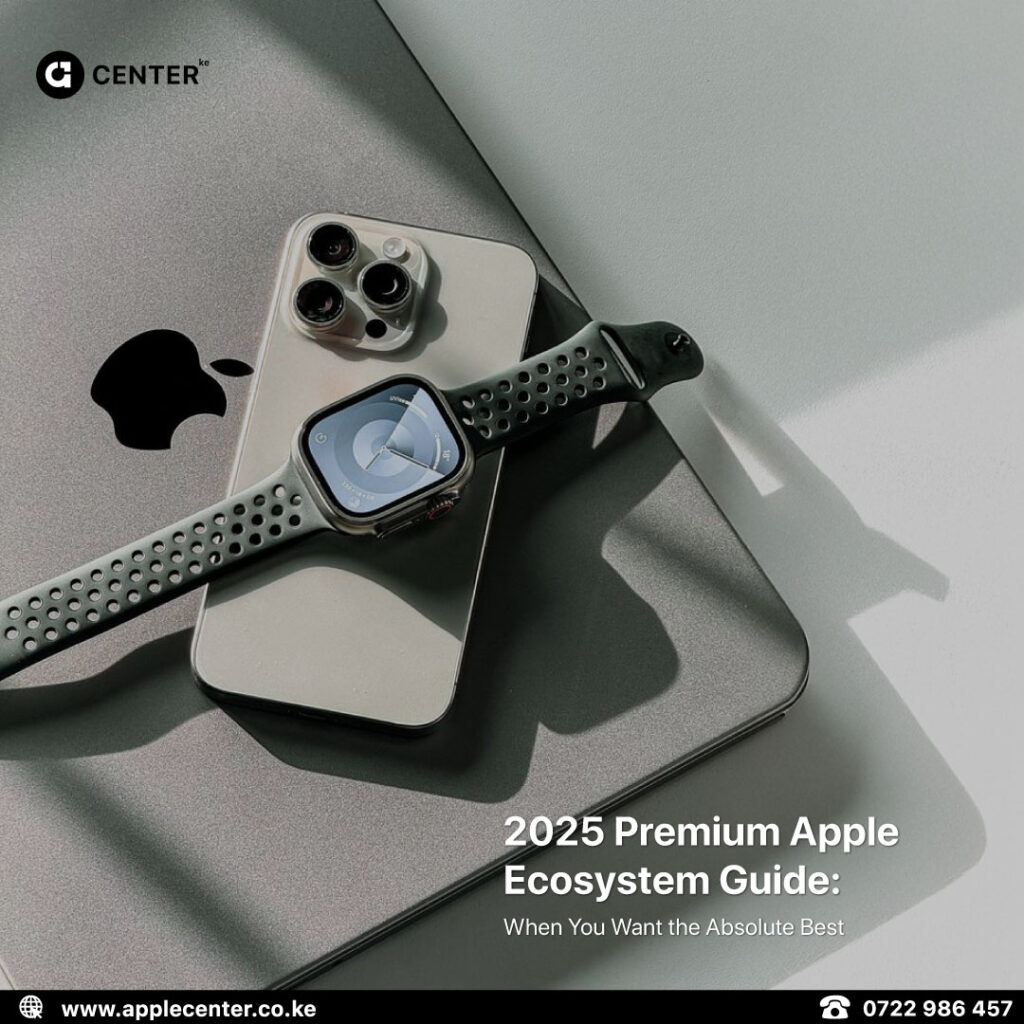
Premium upgrades are about performance. Pro iPhones for camera-heavy users, MacBook Pro for creators and editors, or a fully kitted iPad Pro for portable power.
The goal is value, not flex.
The Most Common Upgrade Mistakes

The biggest mistake is buying the newest device without fixing the real bottleneck. Storage, battery, and workflow matter more than specs.
Another common trap is buying an iPad with no plan, then using it only for entertainment. Accessories unlock value, ignoring them limits the device.
Many people upgrade without thinking about their daily routine. Others compare specs instead of choosing what genuinely improves life. All of these lead to regret.
Our Two Option Recommendation Method
To avoid overwhelming people, we use a simple approach.
We ask what you will use the device for, your budget range, and when you need it. Based on that, we recommend two options only. One focused on best value, the other on best performance.
Simple decisions lead to better satisfaction.
Where to Buy Brand New Sealed Apple Devices
At Applecenterke, we focus on brand new, sealed Apple devices and accessories backed by warranty. No used products, no guessing.
If you want help choosing your next upgrade, send your current device, budget range, and what you use it for. We’ll shortlist the best options available right now and help you upgrade the smart way.