
WWDC 2026: What Apple Announced, and What It Means for Your iPhone
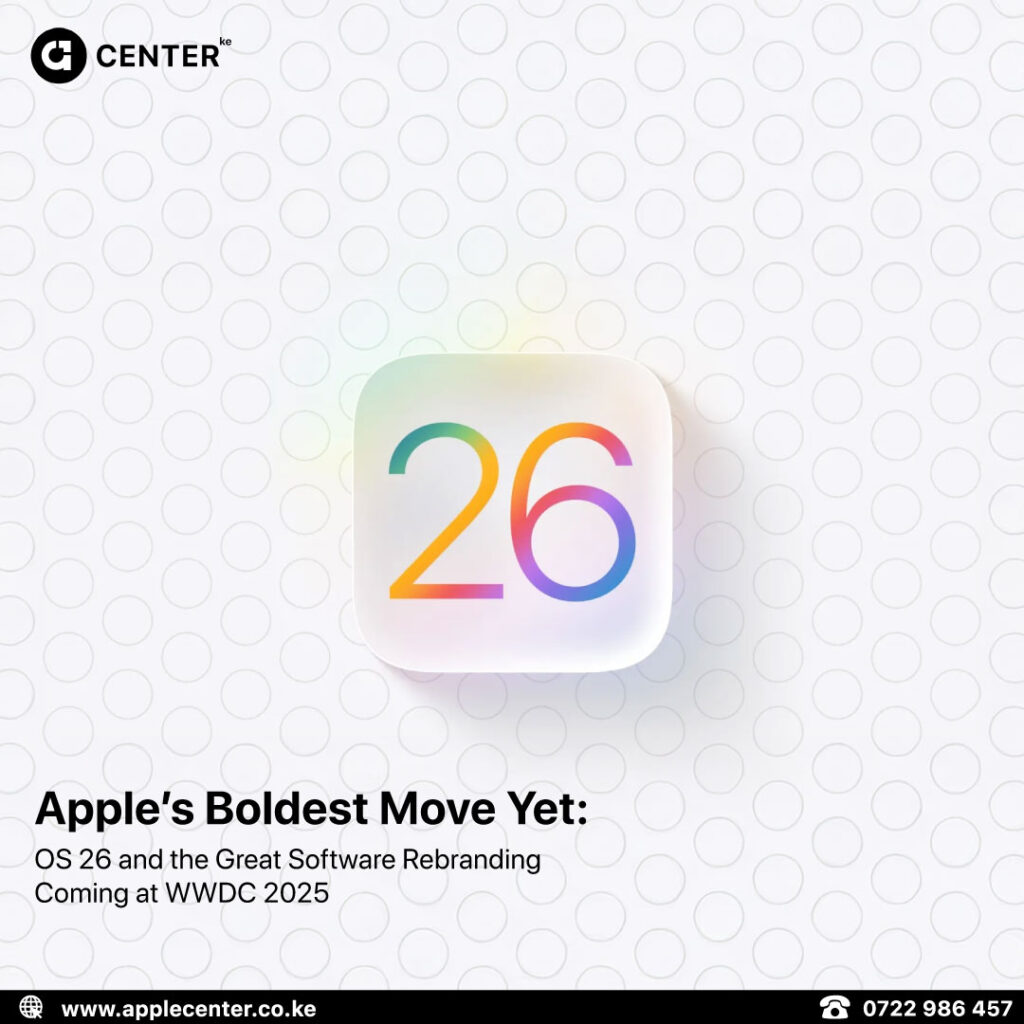
Apple’s WWDC 2026 keynote happened on 8 June 2026, and before anyone starts checking their wallet for new iPhone money, relax. This was not a hardware event.
No new iPhones.
No new Macs.
No dramatic “one more thing” moment where your current device suddenly feels personally attacked.
But software years still matter, because this is where Apple tells us what your current iPhone, iPad, Mac, Apple Watch, and AirPods are about to become. Or, more awkwardly, what they will not become.
The biggest story this year is Siri AI, Apple’s rebuilt assistant. The second biggest story is compatibility, because not every device gets the good stuff.
So here is the plain version: what Apple announced, what actually matters, and whether your device is still invited to the party.
The Big Headline: Siri Finally Got Rebuilt
Let’s be honest. Siri has needed this for a while.
For years, Siri has been useful for timers, calls, alarms, and the occasional “what song is this?” moment. But when conversations got more complicated, it started giving “I found this on the web” energy. Not exactly inspiring.
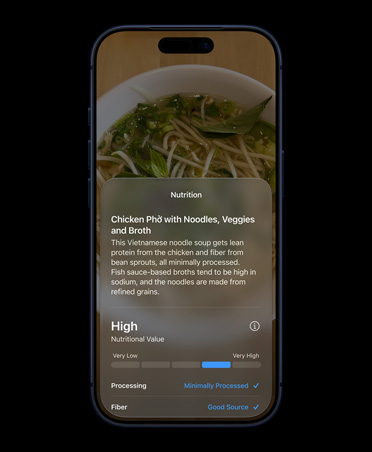
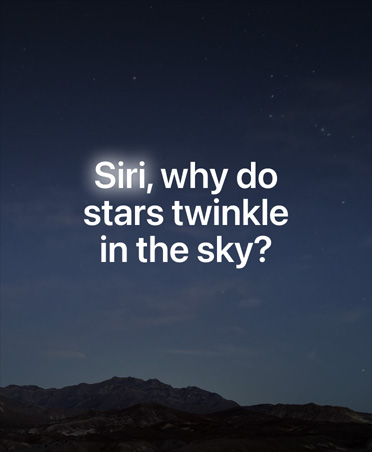
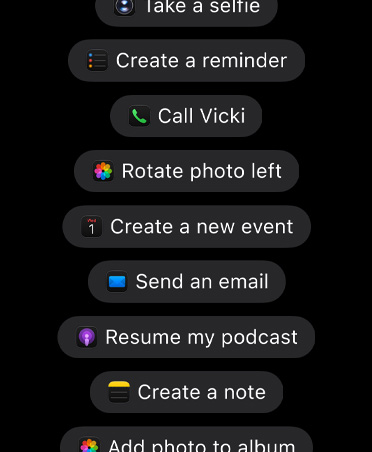
At WWDC 2026, Apple introduced Siri AI, a rebuilt version of Siri designed to feel more natural, more personal, and much better at understanding context.
That means Siri can now do things like:
- Hold a more natural back-and-forth conversation
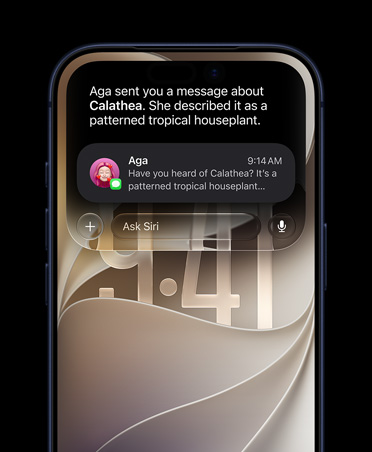
- Understand what is on your screen
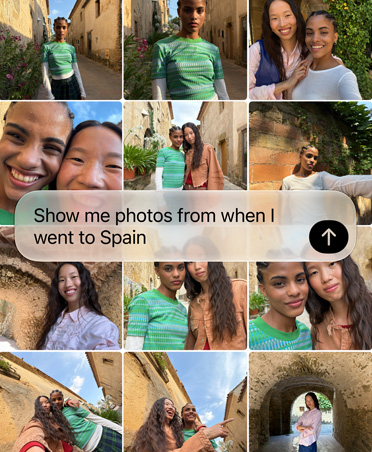
- Pull useful details from your messages, emails, photos, and files
- Keep track of what you were asking instead of forgetting the plot immediately
- Work across Apple apps in a more connected way
So instead of asking one stiff question at a time, you can ask something more human.
For example:
“Find the booking reference from my last trip.”
Then follow up with:
“Send it to Mum.”
That is the kind of Siri people thought they were getting years ago. Apple is now finally moving in that direction.
But Here’s the Catch: Siri AI Is Not for Every iPhone
This is the part customers need to understand clearly.
iOS 27 may come to older iPhones, but Siri AI does not.
That is the difference.
Your iPhone might still get the software update, performance improvements, and some new features. But the headline Apple Intelligence features need newer hardware.
Here is the clean breakdown.
| Your iPhone | What You Get |
|---|---|
| iPhone 16 models and newer | Full Apple Intelligence support, including Siri AI |
| iPhone 15 Pro and iPhone 15 Pro Max | Full Apple Intelligence support, including Siri AI |
| iPhone 15 and iPhone 15 Plus | iOS 27, but not the full Siri AI and Apple Intelligence experience |
| iPhone 14 series and older supported models | iOS 27 features and performance improvements, but no Siri AI |
| iPhone 11 series and newer supported models | iOS 27 support, depending on model, but Apple Intelligence depends on hardware |
If Siri AI is the feature you care about, you need an iPhone 16 or newer, or an iPhone 15 Pro / 15 Pro Max.
A standard iPhone 15 is still a good device. But for Apple Intelligence, it is not in the same category as the 15 Pro models. Painful? A little. Important? Very.
So, Should You Upgrade?
Not automatically.
This is where people get pulled into the upgrade machine. New software drops, everyone panics, and suddenly a perfectly good phone starts looking guilty on the table.
If your current iPhone is working well and you do not care about Siri AI, you may not need to upgrade yet.
But if you want the new Apple Intelligence features, better AI tools, and the rebuilt Siri experience, then yes, this is one of the clearest upgrade reasons we have seen in a while.
The upgrade makes the most sense if:
- You are using an iPhone 14 or older
- You are using a standard iPhone 15 and expected Apple Intelligence
- You use your iPhone heavily for work, photos, notes, messages, calls, and productivity
- You want the new Siri AI features when they arrive
- You want a device that feels ready for the next few years of iOS updates
At Apple Center KE, we can check your current model and tell you where it stands before you spend anything. That part matters. No one needs to buy a new iPhone because of internet panic.
Siri AI Is Coming Later, Not Immediately
Small but important detail: Siri AI is not arriving fully on day one.
Apple says the wider software updates arrive later this year, but Siri AI itself rolls out in beta later. Translation: do not update your iPhone and expect the entire future to start glowing immediately.
This is Apple taking the slower route, probably because Siri is deeply connected to private data, apps, messages, email, and on-device actions. If that goes wrong, it does not go wrong quietly.
So yes, Siri AI is the headline.
But no, it is not all landing at once.
Manage expectations. Saves everyone from disappointment. Very underrated technology.
Good News: This Is Not Just About AI
The keynote was not only “AI, AI, AI” until everyone’s brain tried to leave the room.
iOS 27 also brings performance improvements that older supported devices can benefit from.
Apple says apps open faster, photos appear faster in the camera roll, and AirDrop transfers are quicker. That means even if your iPhone does not get Siri AI, it may still feel better after the update.
That matters because not everyone is upgrading this year. And frankly, not everyone should.
A good software update should make your current device feel more useful, not just make you feel poor.
AirPods Finally Get a Custom EQ
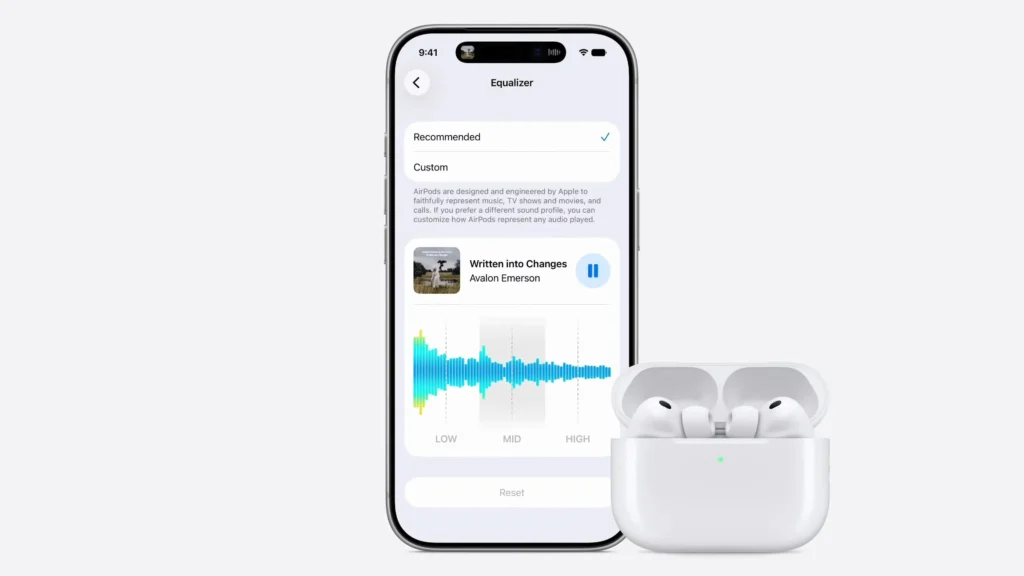
This one is small, but people will actually use it.
AirPods are getting Custom EQ, which lets you adjust lows, mids, and highs yourself.
In normal human terms:
- More bass for workouts
- Cleaner vocals for podcasts
- Brighter sound for calls
- Less “Apple has decided your ears for you” energy
This is one of those features that sounds minor until you use it every day. Especially if you own AirPods and have always wished they gave you just a little more control.
Safari Can Watch Pages for You
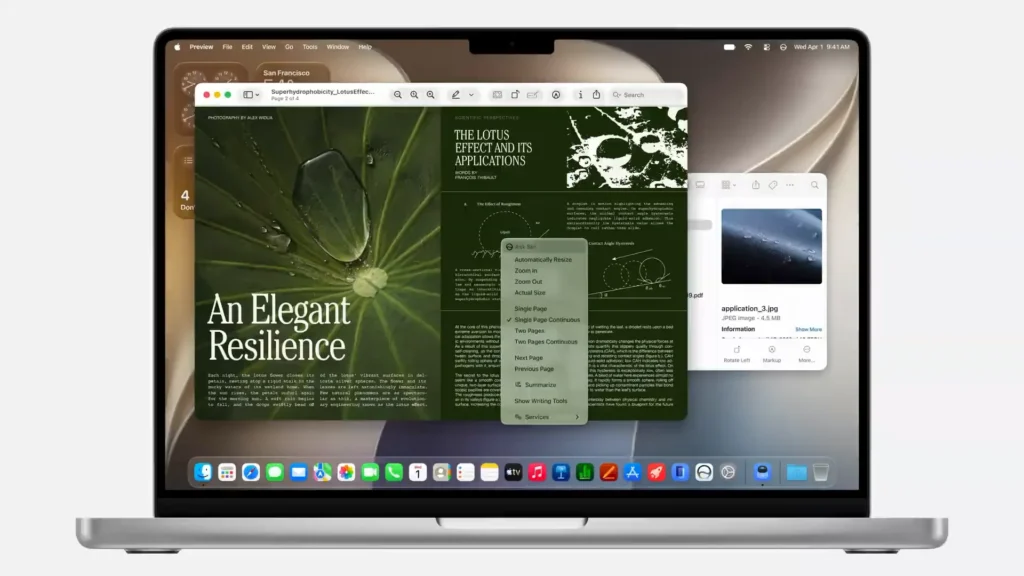
Safari is also getting smarter.
One of the new features lets Safari watch a web page and notify you when something changes. Think restocks, price changes, updates, availability, or any page you keep checking like it owes you money.
This is useful for online shopping, product availability, travel pages, and anything where refreshing the same page repeatedly has become your villain origin story.
Safari can also help organize tabs better, which is good because some of us are walking around with 47 open tabs pretending it is a research system.
It is not. It is digital hoarding with better branding.
Passwords Gets More Helpful
Apple’s Passwords app already warns you about weak, reused, or compromised passwords.
With iOS 27, it gets more useful by helping replace weak passwords on supported sites. That means less digging through settings, less guessing, and fewer passwords like John2024! surviving another year.
Weak passwords are not a personality trait. They are a security problem wearing casual clothes.
Image Playground Gets More Realistic
Apple’s Image Playground is also getting upgraded with more realistic image generation.
That means it is moving beyond the cartoon-style look and into images that feel closer to real photography. Apple also says AI-generated images will include hidden watermarking so they can be identified later.
That is important because AI images are getting harder to spot, and the internet already had enough trust issues before we gave everyone a fake-photo machine.
For casual users, this means better creative tools.
For everyone else, it means we are all going to need sharper eyes.
Parents Get Better Controls
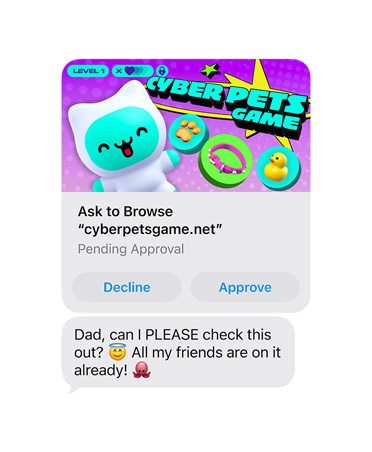
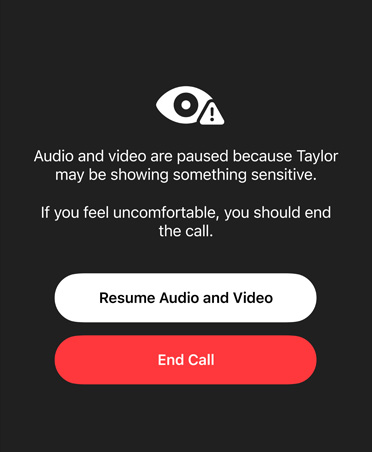
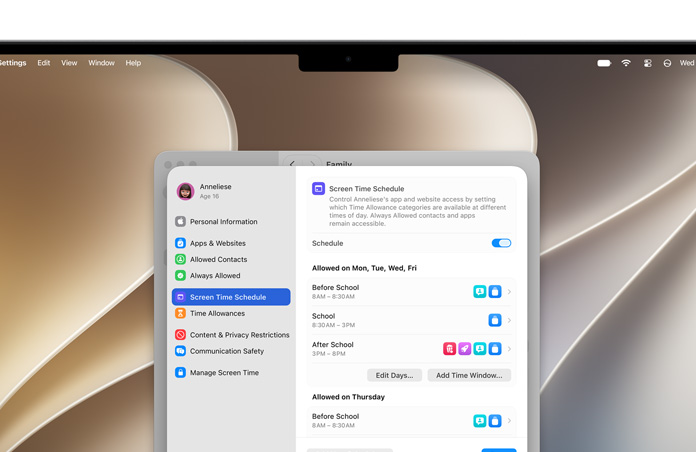
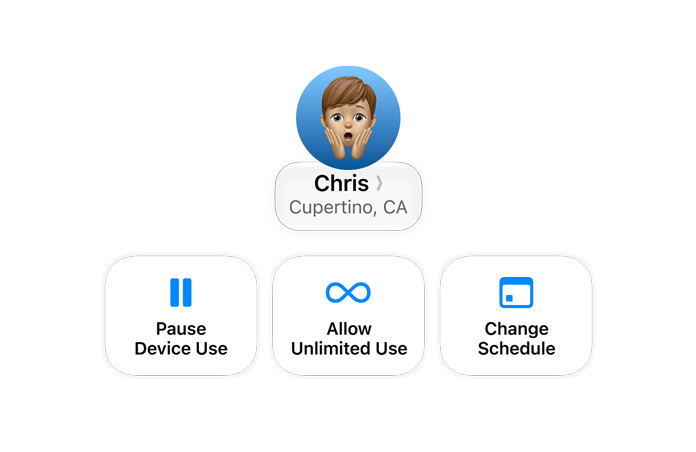
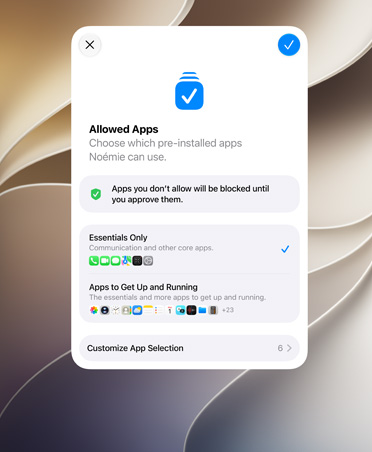
Apple also announced stronger family and child safety features.
A new Ask to Browse feature lets a child request permission before opening a new website, similar to how app download approvals already work.
Screen Time is also getting a cleaner dashboard, with better controls for categories and usage limits.
That is good news for parents who do not want to become full-time digital security guards every evening.
The internet is not exactly a supervised playground. More control helps.
The Look Is Getting Calmer
Apple is also refining the visual design introduced with Liquid Glass.
This year, users get more control over transparency, including an opacity slider. That means you can make the interface look cleaner and easier to read if the glassy style feels too much.
Good design should look nice, but it should also let you read your messages without feeling like you are staring through a drinking glass.
On Mac, Apple’s new macOS version is called Golden Gate, with a cleaner interface and more consistent toolbars across apps.
Nothing too dramatic. Just neater, calmer, and more unified.
What This Means for Your Device

If you have a newer iPhone, especially iPhone 16 or later, or iPhone 15 Pro / 15 Pro Max, WWDC 2026 is good news. Your device is right in the center of Apple’s AI future.
If you have a standard iPhone 15, iPhone 14, or older supported iPhone, you still get iOS 27 improvements, but not the full Apple Intelligence experience.
That does not make your iPhone useless. It just means Apple’s most advanced AI features need newer hardware.
Annoying? Maybe.
Surprising? Not really. AI features need stronger chips, more memory, and better on-device processing.
That is the technical reality. Marketing just dresses it better.
Thinking About an Upgrade? Talk to Us First
If WWDC 2026 has you thinking about a newer iPhone, pass by Apple Center KE first.
We will check your current model, explain what features it will get, and tell you honestly whether an upgrade makes sense.
If your device already qualifies, we will say so.
If it does not, we will show you the right options.
No pressure. No confusing spec theatre. No shortcuts.
Every device we sell is brand new, sealed, and genuine Apple.
And if your current device only needs a little help to keep going, our workshop handles screen replacement, battery replacement, and water damage recovery using genuine parts.