



MacBook Pro M5: The Upgrade That Actually Feels Like an Upgrade

Some Mac launches arrive with fireworks. Others arrive quietly, sit on the desk, open Final Cut Pro, export a 4K video faster than expected, and make everyone in the room question their current setup
That is the MacBook Pro M5.
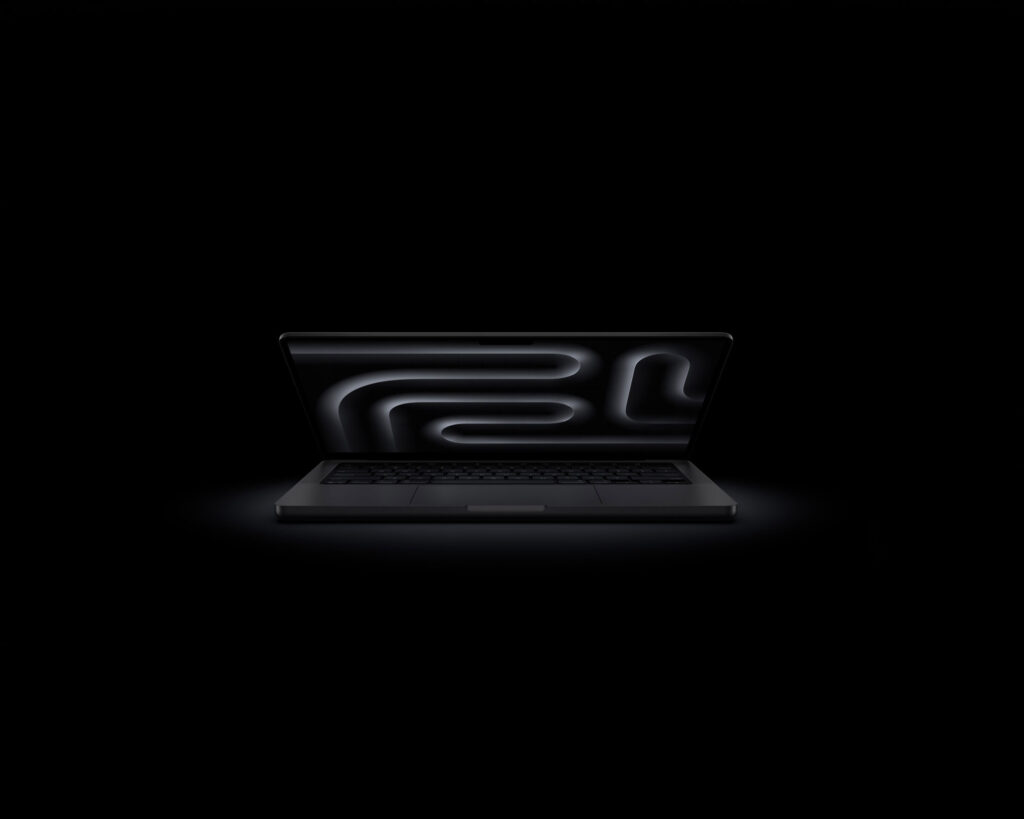
Apple’s new 14-inch MacBook Pro with the M5 chip is now part of the MacBook Pro family, and the big story is not that it looks wildly different. It does not. The design is still clean, familiar, and very Apple. The real drama is happening inside.
This is a MacBook built for people who do more than “check emails and browse.” It is for creators, developers, business users, students, editors, designers, and anyone whose current laptop starts breathing like a tired goat the moment they open too many serious apps.
At Apple Center KE, the MacBook Pro M5 is for the buyer who wants a machine that feels fast today, stays useful for years, and does not panic when modern software starts asking for more power.
What Makes the M5 Chip Different?
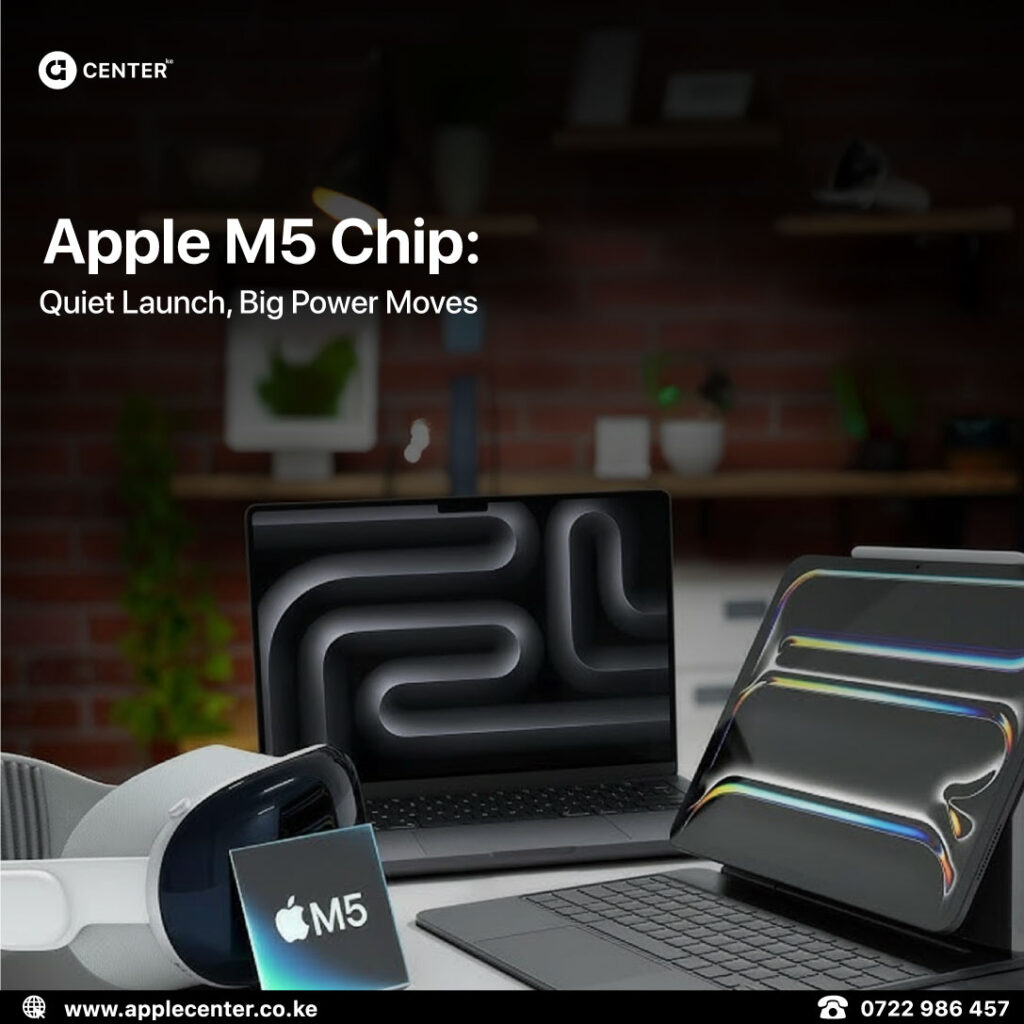
The M5 chip is where this story begins.
Apple built M5 using third-generation 3-nanometer technology, which basically means the chip is designed to deliver more performance while staying efficient. Translation: more power, less unnecessary heat, better battery life, fewer moments where your laptop sounds like it is preparing for take-off.
| Feature | MacBook Pro M5 |
|---|---|
| CPU | 10-core CPU |
| GPU | 10-core GPU with Neural Accelerators |
| Neural Engine | 16-core |
| Memory Bandwidth | 153GB/s |
| AI Performance | Up to 3.5x faster than M4 in some AI workloads |
| Graphics Performance | Up to 1.6x faster graphics performance in pro apps compared to M4 |
| Battery Life | Up to 24 hours |
The key detail is this: each GPU core now has a Neural Accelerator. That matters because AI tasks are becoming part of everyday creative and professional work, not just some weird lab experiment involving hoodies, energy drinks, and questionable posture.
If you use AI image tools, video enhancement apps, transcription, coding assistants, local language models, or Apple Intelligence features, the M5 chip is built to handle those tasks faster and more smoothly.
Everyday Speed: The Kind You Actually Notice
Specs are cute. Real life is where a Mac either proves itself or gets exposed.
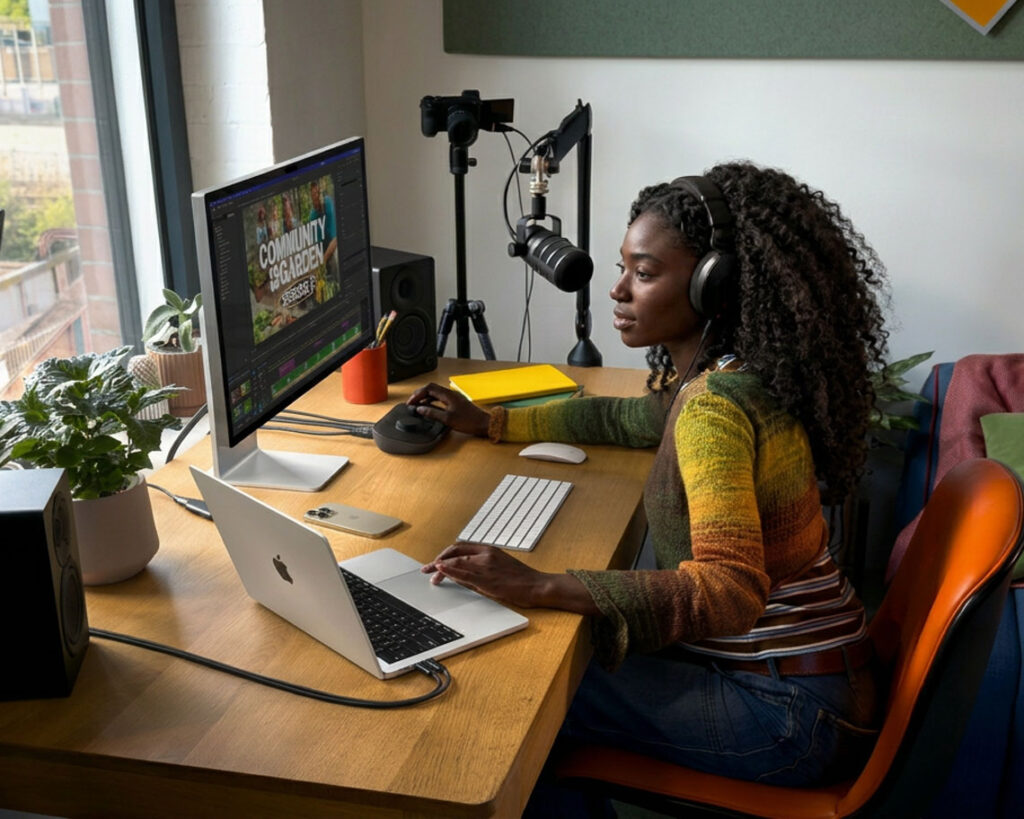
The MacBook Pro M5 is not just faster in the “benchmark chart goes up” sense. It is faster in the small moments that make work feel lighter.
Apps open quickly. Large files move faster. Video timelines feel smoother. Code compiles with less waiting. Heavy browser sessions do not immediately turn into a survival situation.
For a casual user, that means the MacBook Pro feels sharp and responsive. For a professional, it means less dead time. And dead time is expensive. It sits there quietly stealing your day like a very polite criminal.
If you are coming from an Intel Mac, the jump will feel huge. If you are coming from an M1 MacBook, the M5 still brings a serious improvement, especially in graphics, AI, and heavier multitasking. If you are already on M4, the upgrade is more specific. You should care most if you work with AI tools, creative apps, larger files, or pro workflows.
Built for AI, But Not in the Annoying Buzzword Way
Everyone is saying “AI” now. Phones, Macs, fridges, maybe someone’s blender soon. Most of it is noise.
With the MacBook Pro M5, the AI angle is more practical.
The chip has a stronger Neural Engine and Neural Accelerators built into the GPU. That helps with tasks like:
- AI image generation
- Video enhancement
- Audio transcription
- Code completion
- Local AI models
- Apple Intelligence features
- Smart photo and writing tools
- Creative apps that use machine learning
The useful part is that many of these tasks can run on-device. That means better privacy, faster response times, and less dependence on cloud processing for supported workflows.
For creators, this can speed up editing and production. For developers, it helps with AI-assisted coding and local model testing. For business users, it means smarter productivity features without turning every task into a browser tab funeral.
The Liquid Retina XDR Display Still Looks Ridiculous
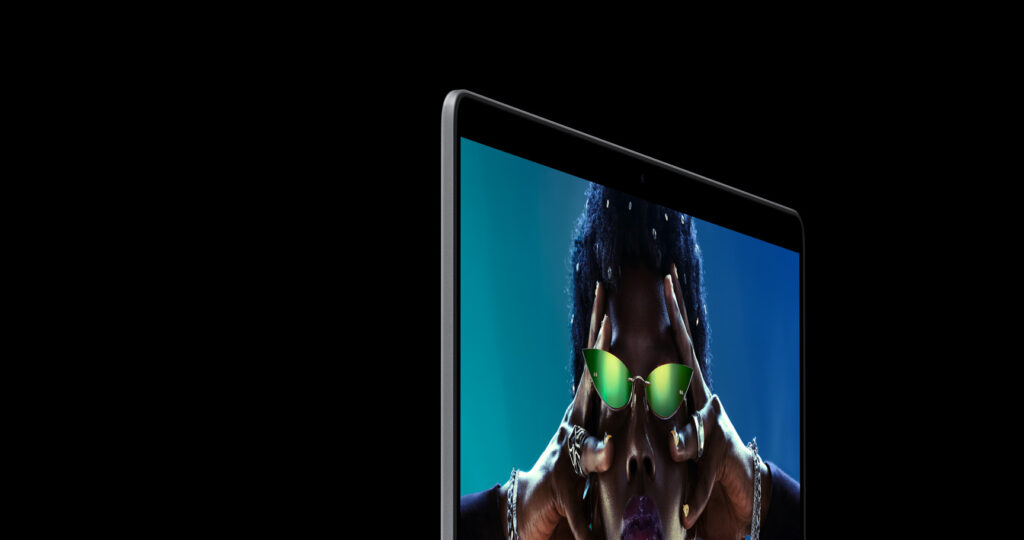
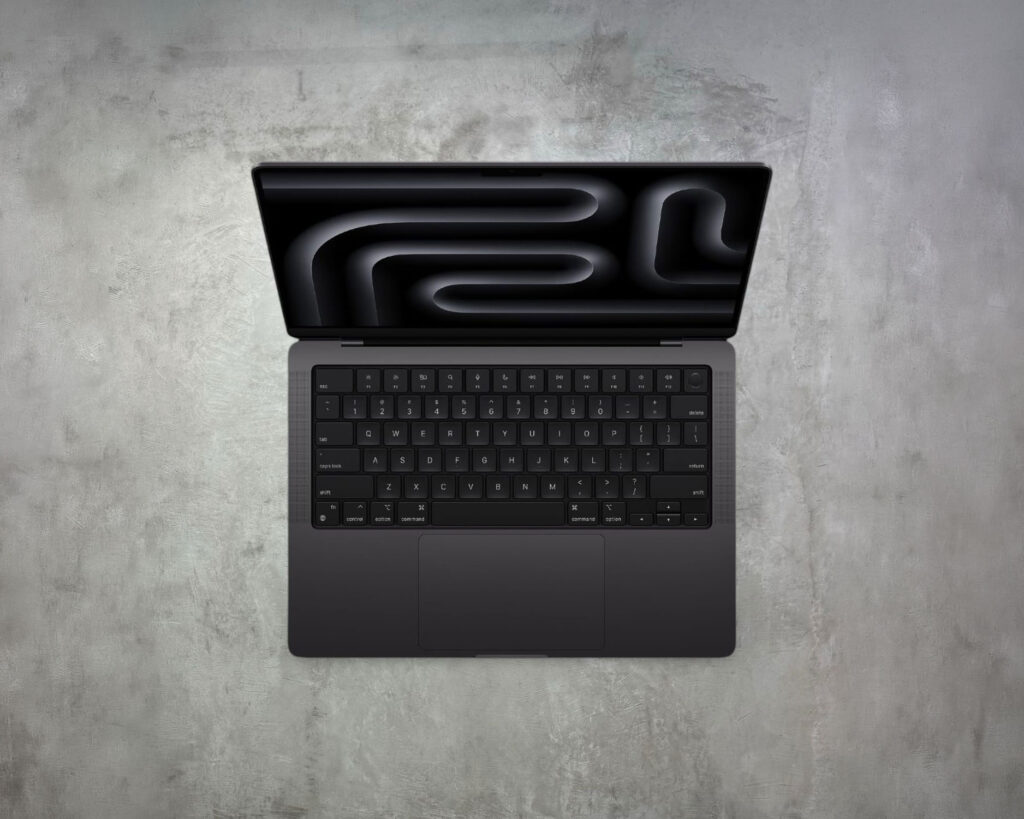
The MacBook Pro M5 keeps the 14.2-inch Liquid Retina XDR display, and honestly, good. This is not an area where Apple needed to go back to the workshop and “reinvent” anything. The display is already one of the strongest reasons to buy a MacBook Pro.
You get:
- 14.2-inch Liquid Retina XDR display
- 3024 x 1964 resolution
- ProMotion up to 120Hz
- P3 wide colour support
- Up to 1600 nits peak HDR brightness
- Up to 1000 nits sustained brightness for SDR content
- Nano-texture display option
For video editors, photographers, designers, and content creators, this screen matters. Colours look rich. Motion feels smooth. HDR content has actual depth. Text looks crisp enough to make cheap screens feel like a personal insult.
If your work involves visuals, this is not just a nice display. It is part of the tool.
Battery Life: Up to 24 Hours Is the Flex

Apple rates the 14-inch MacBook Pro with M5 for up to 24 hours of battery life. Real-world use will always depend on what you are doing, because exporting video and typing notes are not the same sport.
But the point stands: battery life is one of the biggest reasons Apple Silicon Macs have become hard to ignore.
For normal work like writing, browsing, emails, light editing, calls, research, and admin tasks, the MacBook Pro M5 is built to last through a serious day. For heavier creative work, you still get strong endurance compared to many performance machines.
That means fewer charger hunts, fewer awkward socket negotiations in cafés, and fewer moments where your Mac decides your productivity has expired.
Ports: Apple Did Not Try to Be Too Clever
Good news: the MacBook Pro M5 still gives you proper ports.
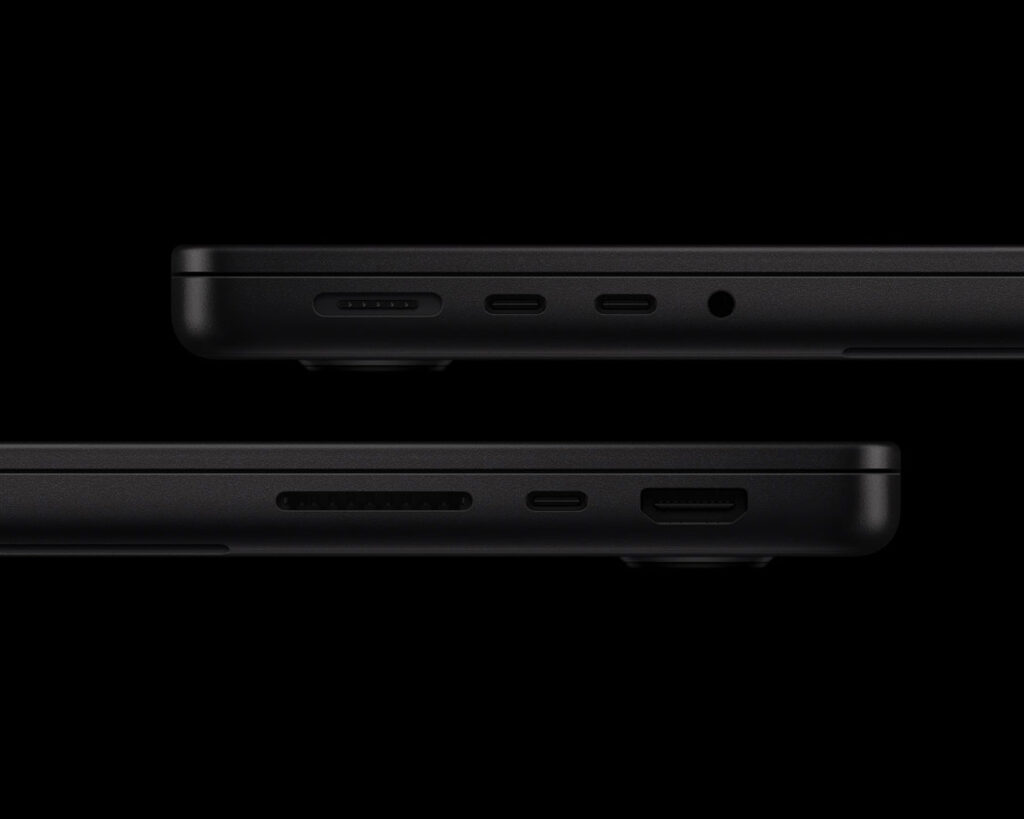
| Port / Feature | Why It Matters |
|---|---|
| Thunderbolt ports | Fast external drives, docks, displays and accessories |
| HDMI | Easy monitor and projector connection |
| SDXC card slot | Useful for photographers and videographers |
| MagSafe 3 | Secure magnetic charging |
| 3.5mm headphone jack | Still useful, still appreciated |
| External display support | Great for desk setups and serious workflows |
MacBook Pro M5 vs M4 vs M3
| Feature | MacBook Pro M3 | MacBook Pro M4 | MacBook Pro M5 |
|---|---|---|---|
| CPU | Up to 8-core | 10-core | 10-core |
| GPU | Up to 10-core | 10-core | 10-core with Neural Accelerators |
| Neural Engine | 16-core | 16-core | 16-core, improved |
| Memory Bandwidth | 100GB/s | 120GB/s | 153GB/s |
| AI Performance | Good | Better | Much stronger |
| Battery Life | Up to 22 hours depending on model | Up to 24 hours | Up to 24 hours |
| Best For | General pro use | Strong everyday and creative performance | AI, creative work, development and heavier workflows |
The short version:
If you are on Intel, M1, or M2, the MacBook Pro M5 is a very strong upgrade.
If you are on M3, it depends on your workload.
If you are on M4, do not upgrade just because a new number exists. Upgrade if your work specifically benefits from stronger AI, graphics, memory bandwidth, or faster storage.
That is the honest answer. Marketing departments hate it. Buyers appreciate it.
Who Should Buy the MacBook Pro M5?

1. Creative Professionals
If you edit video, design graphics, work with photos, produce music, or create content, the MacBook Pro M5 gives you the performance and display quality you actually need.
The GPU improvements, stronger AI performance, fast SSD options, and Liquid Retina XDR display make it a serious machine for creative work.
2. Software Developers
Developers will care about faster compile times, smoother multitasking, better performance in demanding tools, and the ability to run heavier workflows without the Mac getting dramatic.
If your current Mac makes you wait every time you build, preview, test, or switch between environments, the M5 will feel like someone removed a traffic jam from your desk.
3. Business Users
For business professionals, the MacBook Pro M5 is about reliability, battery life, speed, and longevity.
It is powerful enough for presentations, spreadsheets, dashboards, meetings, large documents, multiple browser windows, and secure work on macOS. Not flashy. Just dependable. Like a good accountant with better speakers.
4. Students and Researchers
If your studies involve coding, design, data analysis, media work, research, or long writing sessions, this machine has more than enough power. The battery life also helps if you move around a lot during the day.
5. AI and Machine Learning Users
If you are experimenting with local AI models, AI-assisted creative tools, machine learning apps, or Apple Intelligence features, the M5 is clearly built with that future in mind.
This is one of the main reasons to choose M5 over older Apple Silicon models.
Silver or Space Black?
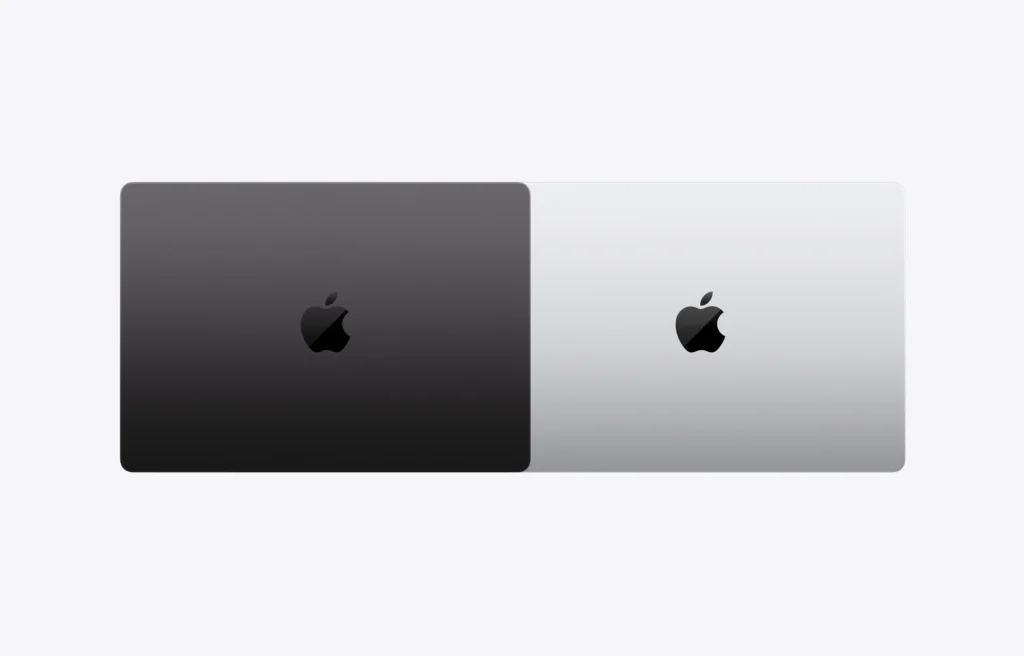
The MacBook Pro M5 comes in Silver and Space Black.
Space Black looks bold and modern. It has that “yes, I edit 8K footage and drink black coffee” energy.
Silver is the classic. Clean, professional, timeless, and very Apple. It also handles fingerprints better, which matters if you like your MacBook Pro looking sharp without wiping it every twelve minutes like evidence at a crime scene.
For most professional setups, Silver still wins on longevity and elegance.
Is the MacBook Pro M5 Worth It?
Yes, if you need the performance.
The MacBook Pro M5 makes the most sense if you:
- Work with creative apps
- Edit photos or videos
- Code professionally
- Use AI tools
- Want strong battery life
- Need a Mac that can last for years
- Are upgrading from Intel, M1, or M2
- Want a serious machine for business or study
It makes less sense if your work is mostly basic browsing, documents, emails, and streaming. For that, a MacBook Air may be enough. No shame in that. Buying more Mac than you need is still a tax on your common sense.
But if your work is heavy, your time matters, and you want a Mac that feels ready for the next few years of AI-powered software, the MacBook Pro M5 is a strong choice.
Visit Apple Center KE
The MacBook Pro M5 is available at Apple Center KE.
Visit us at Rehema House, 6th Floor, Standard Street, Nairobi CBD, and our team will help you choose the right configuration for your workflow.
Whether you are upgrading from an older MacBook, switching from Windows, buying for creative work, or setting up a professional desk setup, we will help you figure out what actually makes sense.
Call or WhatsApp: 0722 986 457 / 0735 986 457
Website: applecenter.co.ke
Instagram: @applecenterke
Facebook: Apple Center Ke
YouTube: Peter Maina Tech