How to Get the Most Out of Your Apple Device
Most people buy an iPhone, iPad, or Mac and barely scratch the surface. They text, scroll, take photos, maybe send emails, and that’s it.
Which is ironic, because Apple devices are not powerful because of raw specs. They’re powerful because of how well everything works together when it’s set up properly.
This guide is about using your Apple device the smart way. Not power user nonsense. Just practical habits and features that make your device feel faster, calmer, and genuinely more useful.
1. Start With a Proper Setup
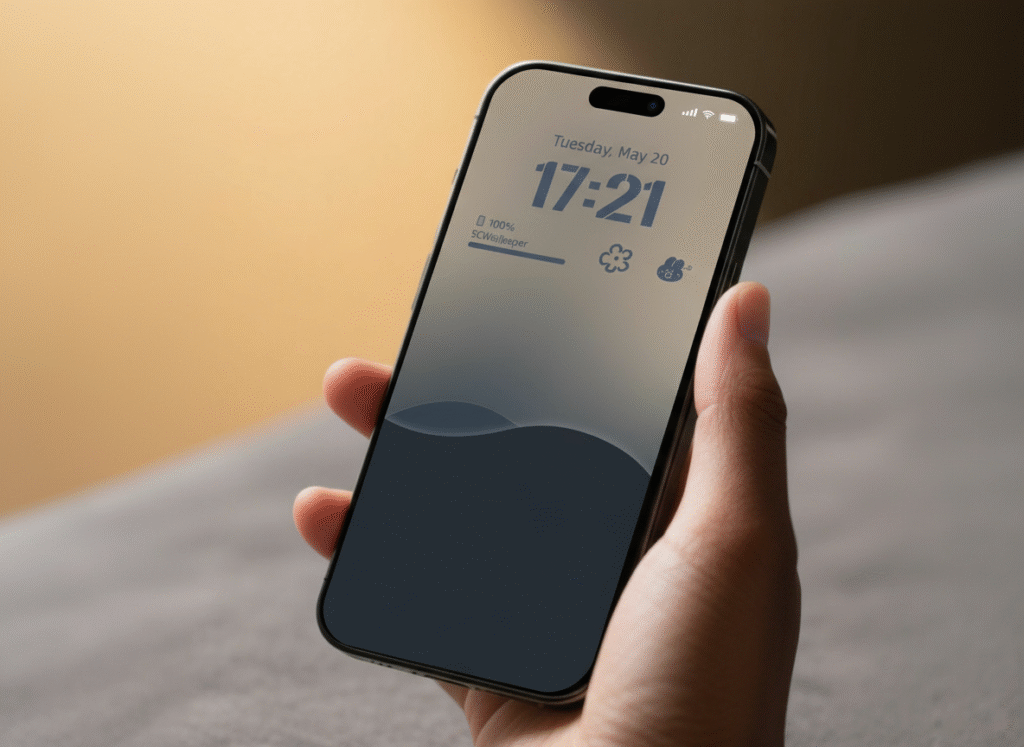
Before apps, before productivity tricks, before accessories, the foundation matters.
Your language, region, date formats, and payment setup affect how smoothly your device behaves day to day. When these are wrong, things feel subtly broken. Calendars act weird. App suggestions feel off. Payments become frustrating.
Once your Apple ID is properly configured with a valid payment method, everything unlocks. App downloads become seamless. Subscriptions work properly. Cloud storage and system features stop fighting you.
This part is boring, but it’s the difference between a device that feels polished and one that feels annoying.
2. Use Apps That Match Real Life, Not App Store Lists

Forget generic “top apps” articles. Real usage looks different.
Your phone is likely your financial hub. Banking, payments, airtime, bills. Lock those apps with Face ID or Touch ID so you’re not typing PINs in public.
Navigation and transport apps matter more than most people admit. Traffic, directions, ride hailing, deliveries. Download offline maps when you know you’ll be moving around a lot. Network drops happen. Planning beats frustration.
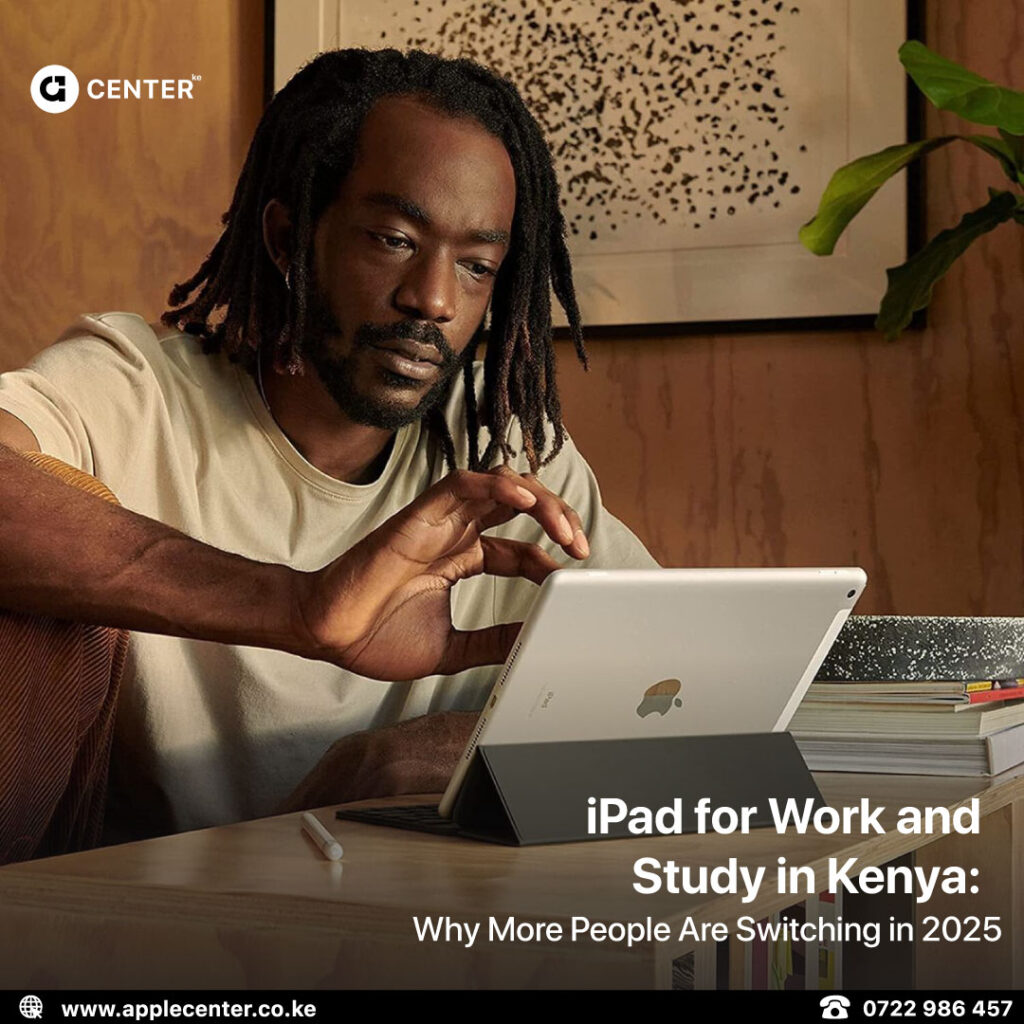
For work and study, documents, notes, and meeting apps are non negotiable. On an iPad, add a keyboard and suddenly it stops being a media device and starts behaving like a lightweight laptop.
The goal is simple. Your device should feel like a control centre, not just a scrolling machine.
3. Built-In Apple Features Most People Ignore
This is where the real value hides.
Modern Apple devices include smart system tools that help you rewrite text, clean up emails, summarise long messages, and organise notes. These are not gimmicks. They save time, especially when you’re tired or in a rush.
Focus Modes are another underrated feature. You can create different modes for work, study, sleep, or personal time. Each mode controls which apps and people can interrupt you.
Set this up once and your device becomes quieter without you constantly managing notifications.
Then there’s Live Text. Your camera can copy text from papers, signs, whiteboards, or slides. It sounds small until you start using it regularly, then it becomes essential.
4. Battery Life Is About Habits, Not Tricks
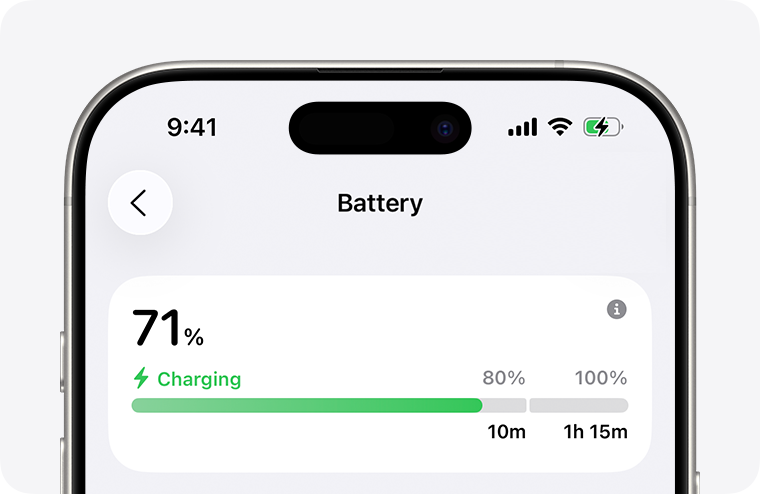
People love asking how to “fix” battery life. The truth is less exciting.
- Lower your brightness.
- Use auto brightness.
- Lock your screen faster.
- Turn on Low Power Mode when you know it’s a long day.
- Check which apps are draining power in the background.
None of this is flashy. All of it works.
Batteries don’t fail suddenly. They wear down slowly because of bad habits.
5. Security Is Not Optional Anymore
Your Apple device holds your money, documents, photos, messages, and accounts. Treat it like a vault.
- Use Face ID or Touch ID with a strong passcode.
- Turn on two factor authentication for your Apple ID.
- Enable Find My so you can locate, lock, or erase your device if something goes wrong.
Avoid unofficial unlocks, bypasses, or jailbreak offers. They create more problems than they solve, and sometimes permanentl
6. Automations That Make Your Device Feel Smarter

The Shortcuts app looks intimidating, but you don’t need to be technical.
You can create simple routines like a work setup that silences distractions and opens productivity apps, a study mode that blocks social apps and pulls up notes, or an evening routine that saves battery and opens your planner.
Once these are in place, your device starts adapting to you instead of you constantly adjusting to it.
7. Getting the Most Out of Each Apple Device
iPhone
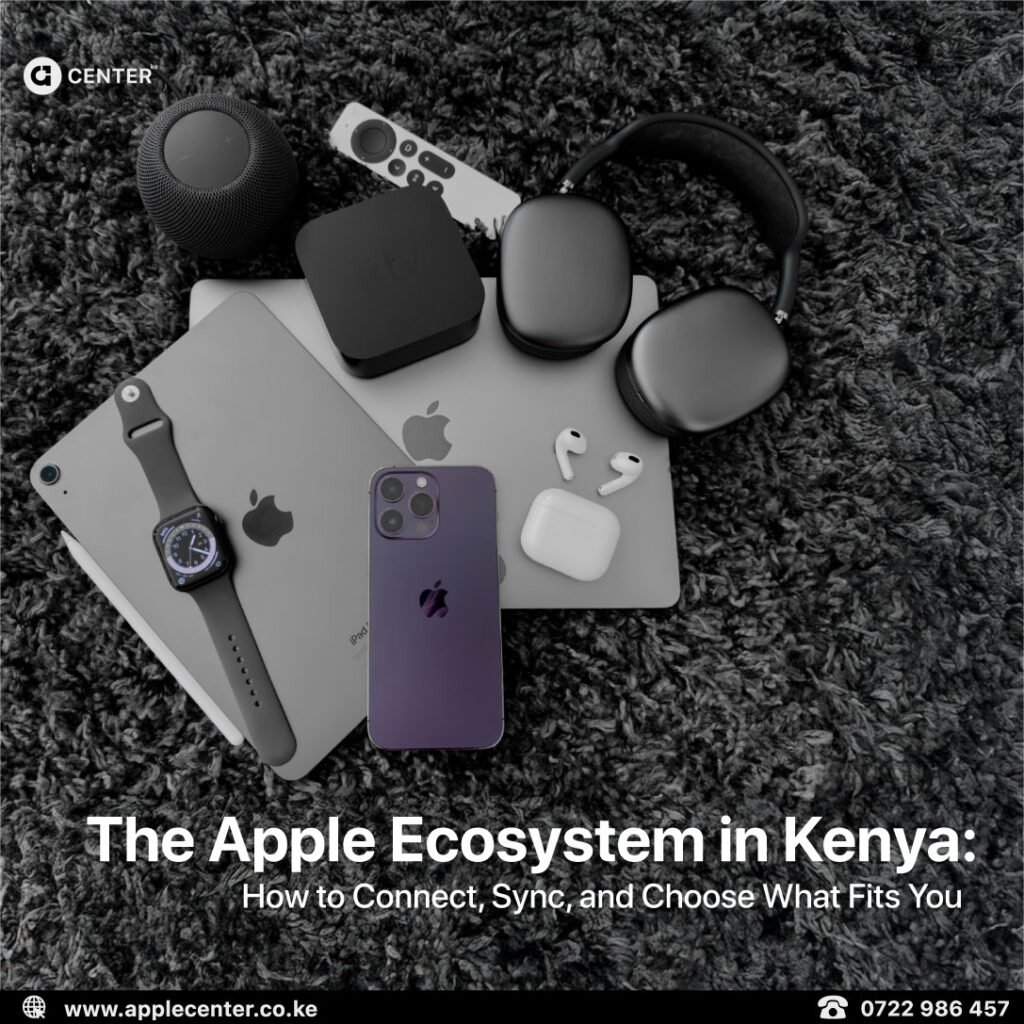
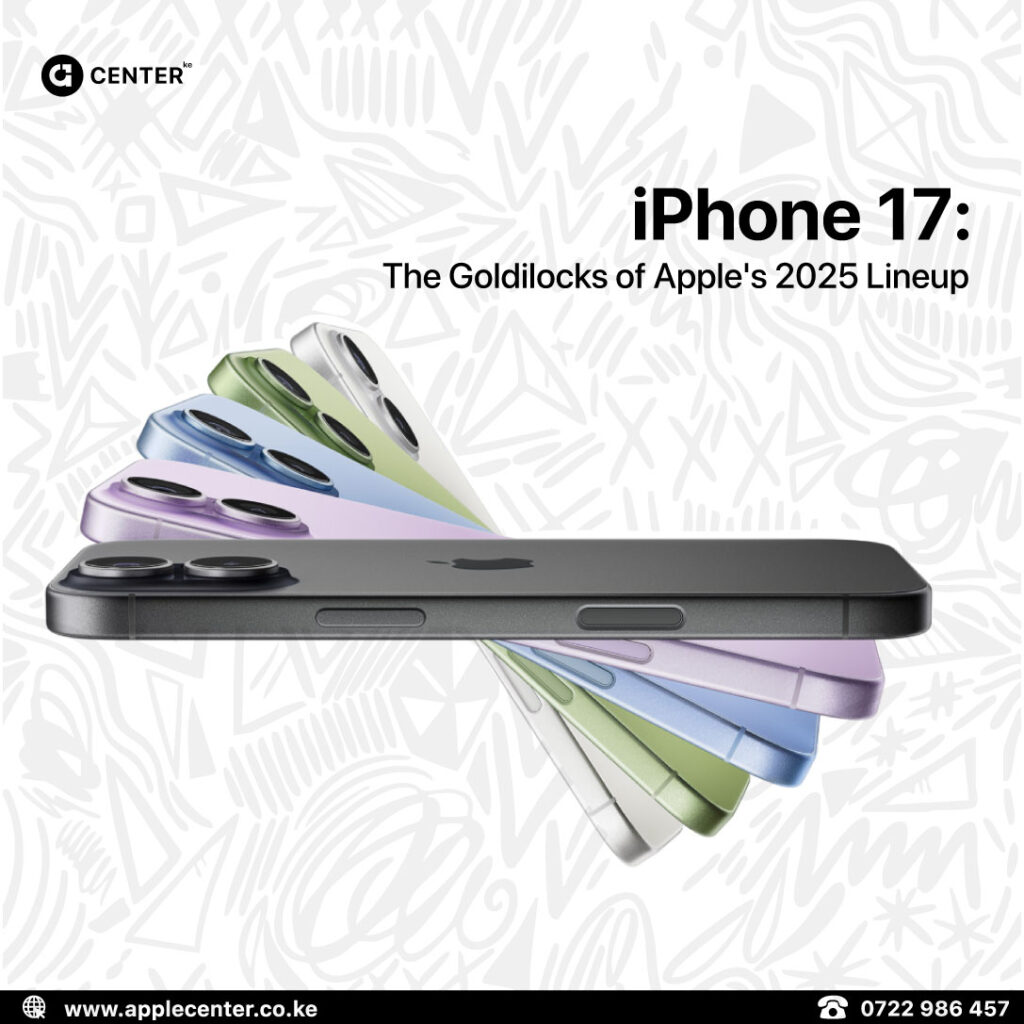
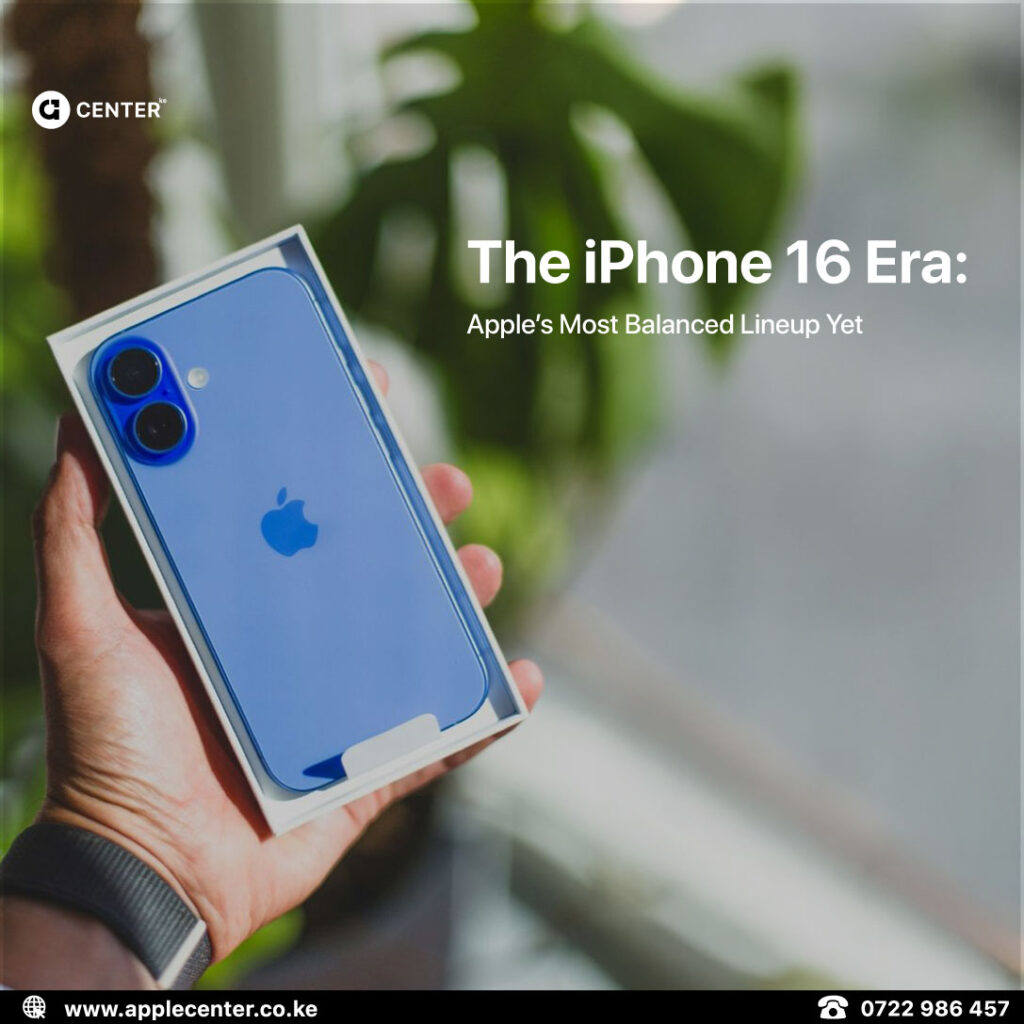
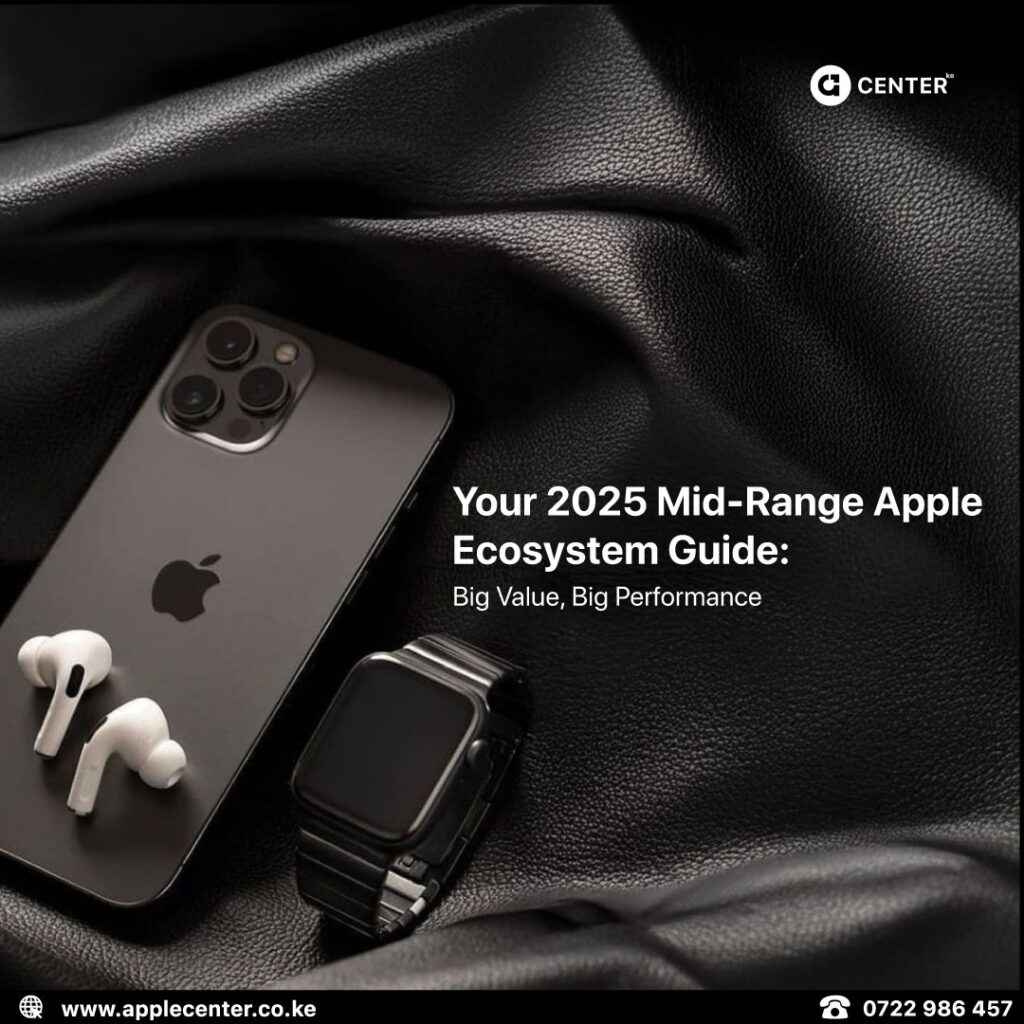
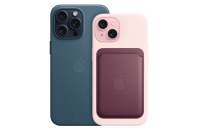
Works best when notifications are controlled and it’s used intentionally as a communication, payment, and camera tool.
iPad
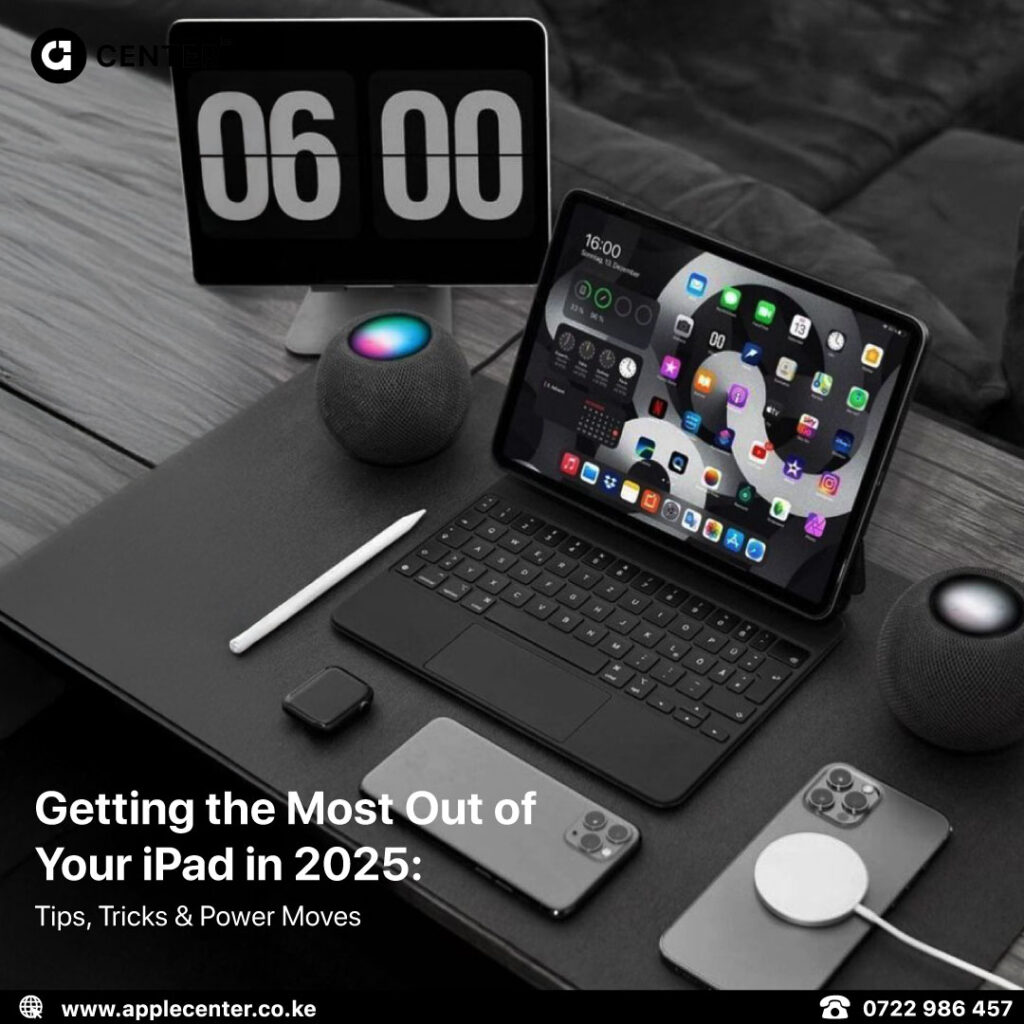
Add a keyboard and a stylus and it transforms into a proper work and study device for notes, documents, planning, and presentations.
MacBook
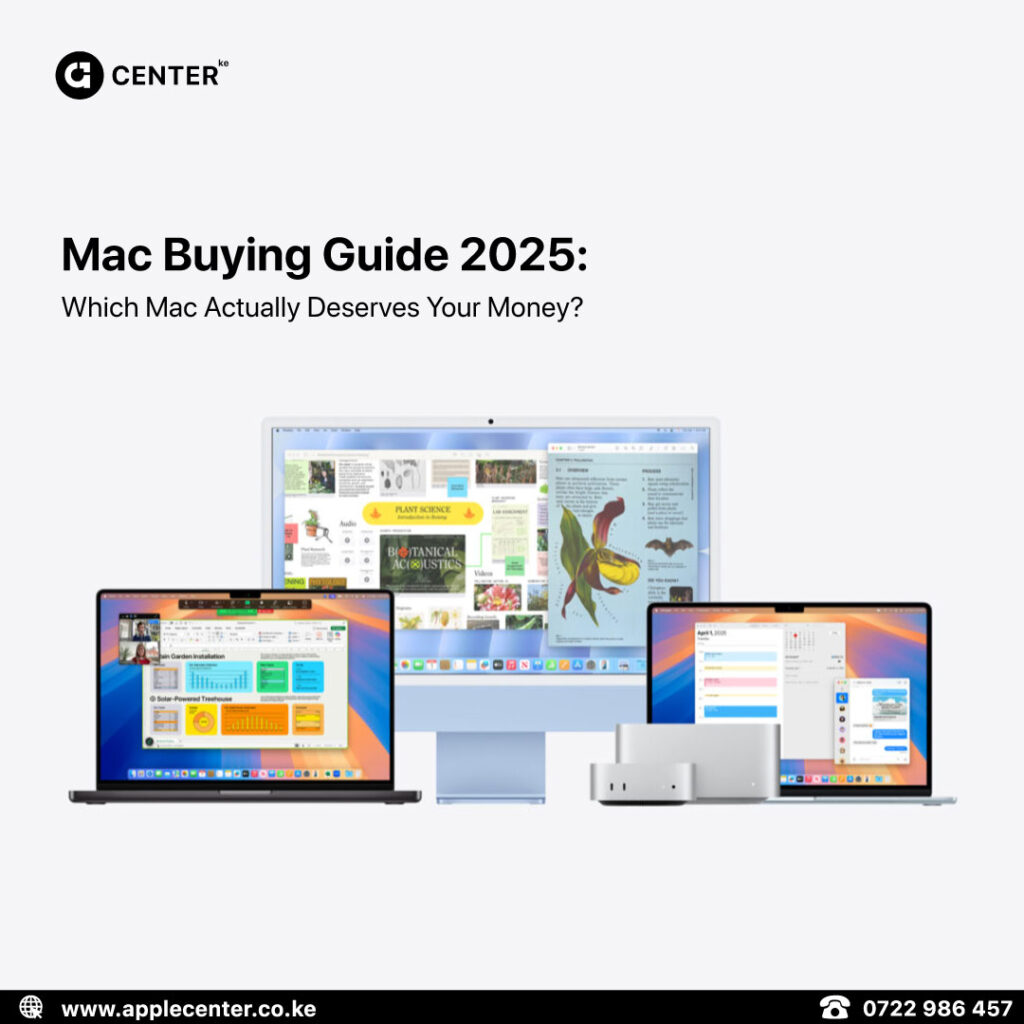
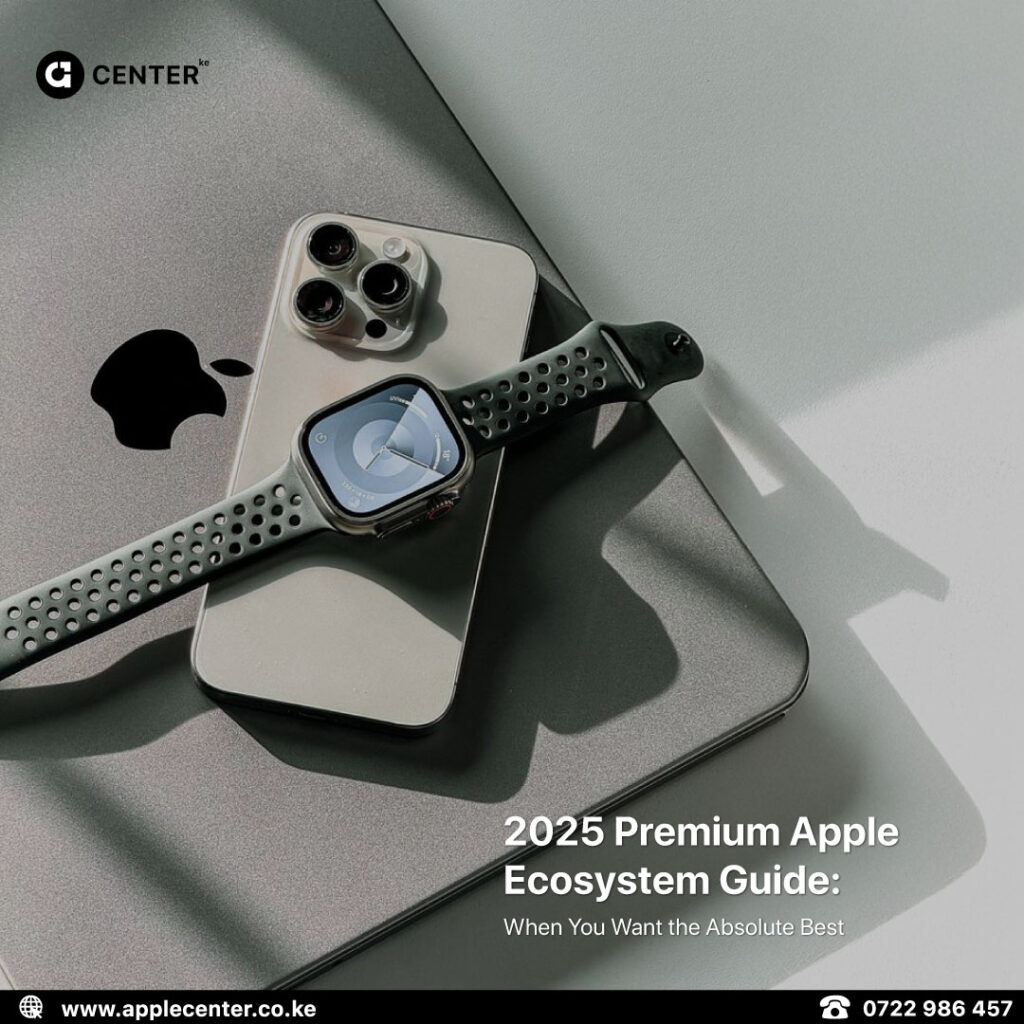
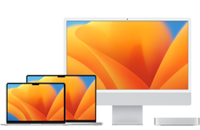
Handles heavy tasks best when everything is synced through iCloud so your phone and tablet always have the latest files.
Apple Watch
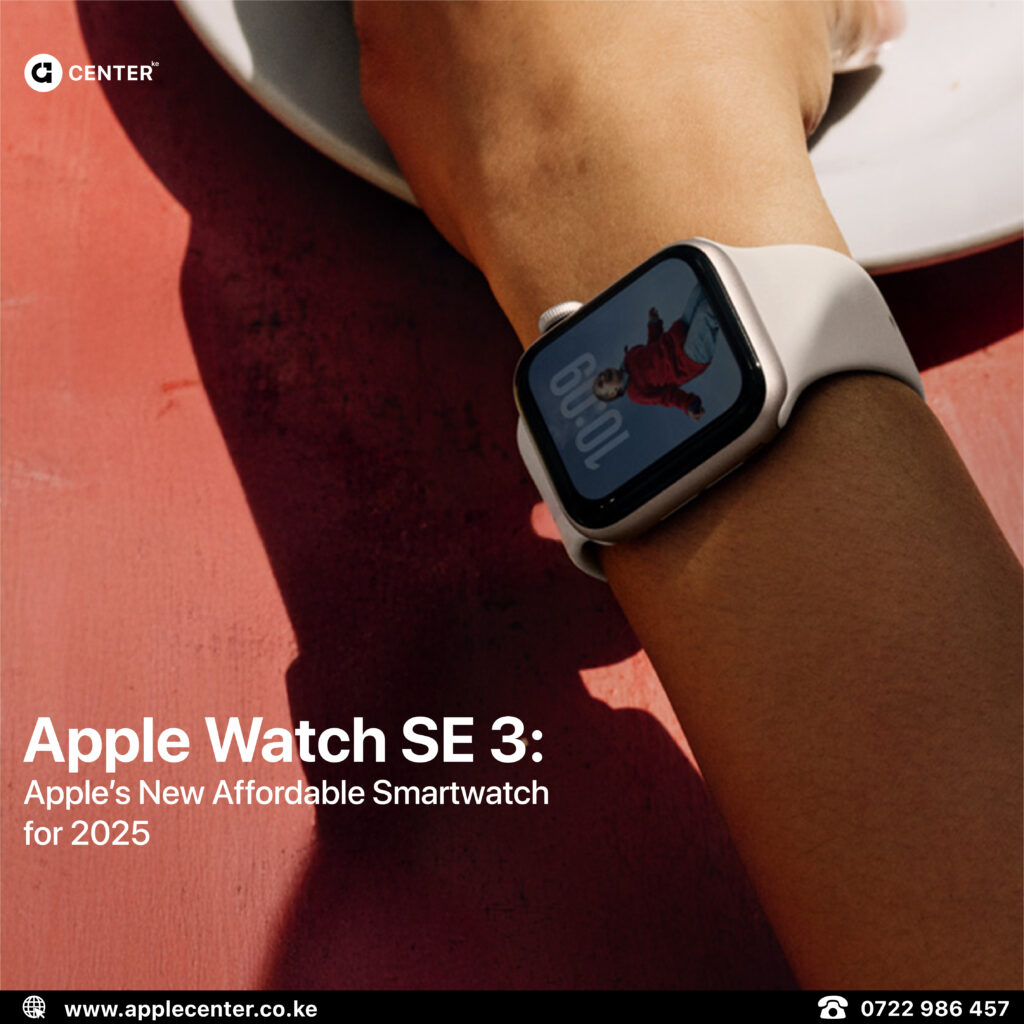
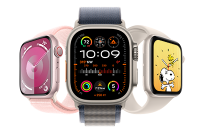
Perfect for subtle alerts, health tracking, timers, and staying present without constantly checking your phone.
Each device has a role. The magic happens when you let them do what they’re best at.
8. When Accessories and Upgrades Actually Make Sense
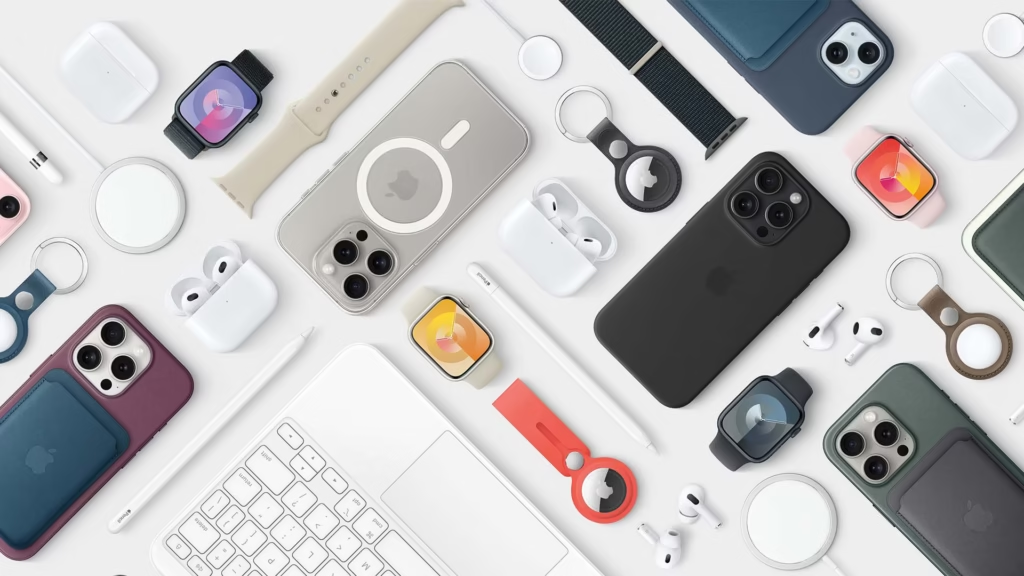
You don’t always need a new device.
- A keyboard can completely change how you use an iPad.
- A quality charger protects battery health.
- A proper case saves you from expensive accidents.
Upgrade when your device no longer matches how you live or work, not just because something new exists.
9. Where Applecenterke Fits Into This

When people upgrade, repair, or buy accessories, what they really want is confidence.
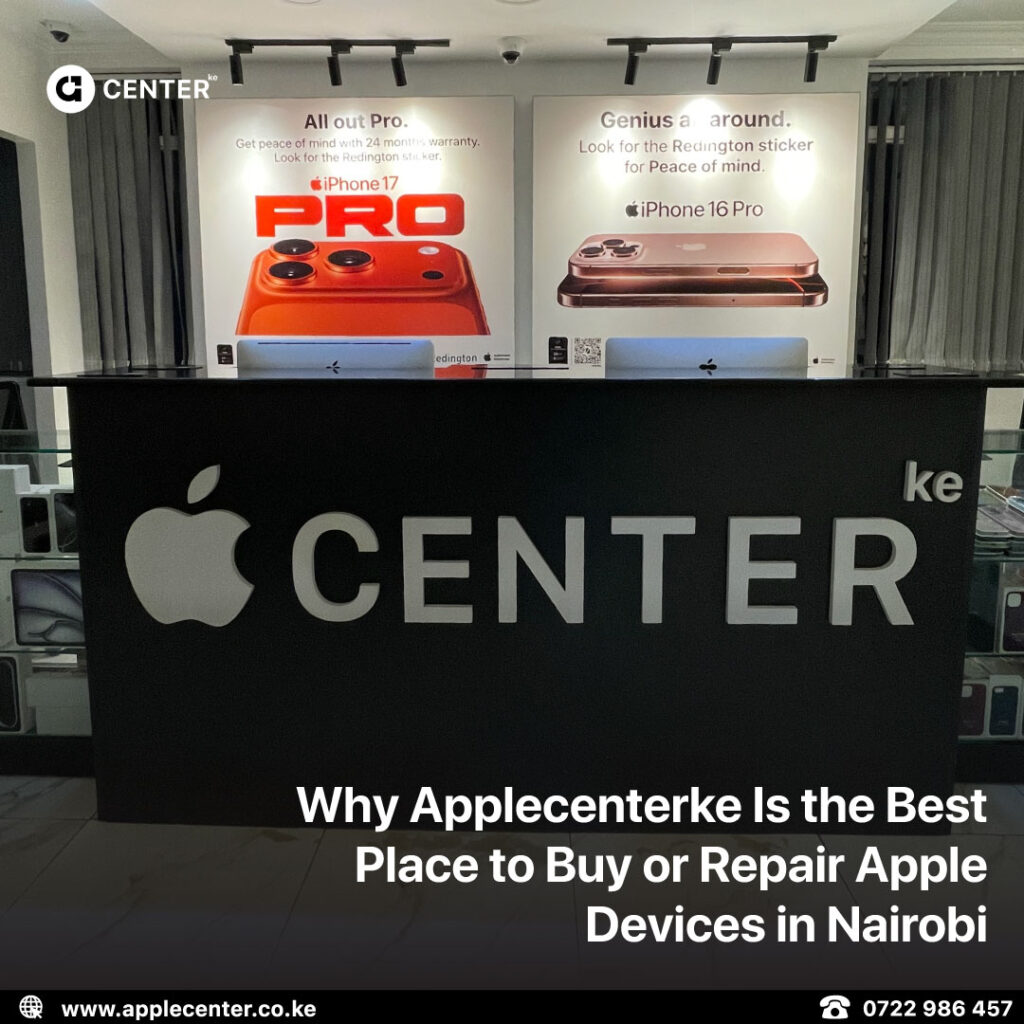
Applecenterke focuses on matching customers with the right device for their actual needs. Genuine products, proper accessories, professional repairs, and a real walk in location.
For security and accountability, deliveries are dispatched only after full payment is confirmed. Clean process, no drama.
Final Thoughts
Apple devices are already powerful.
Most people just never unlock that power.
- Get the setup right.
- Use the features that actually matter.
- Build habits that support how you live and work.
Do that, and your Apple device stops feeling like a gadget and starts feeling like a proper tool.
If you want, next we can lock this tone in as a reusable style for all your blogs so everything sounds consistent and intentional.

Optical zoom options