





Top iPhone Photography Tips for Kenyan Creators and Entrepreneur

Kenya is one of those places where you can point your iPhone at almost anything and end up with a photo that looks unfairly good. The landscapes, the colors, the textures, the people, the weather, even the chaos of Nairobi traffic has character. But if you want your shots to look intentional instead of accidental, you need more than luck. You need technique.
Let’s walk through how to squeeze pro level results out of your iPhone, even if the only gear you have is your pocket and your eye.
Make Natural Light Your Best Ally
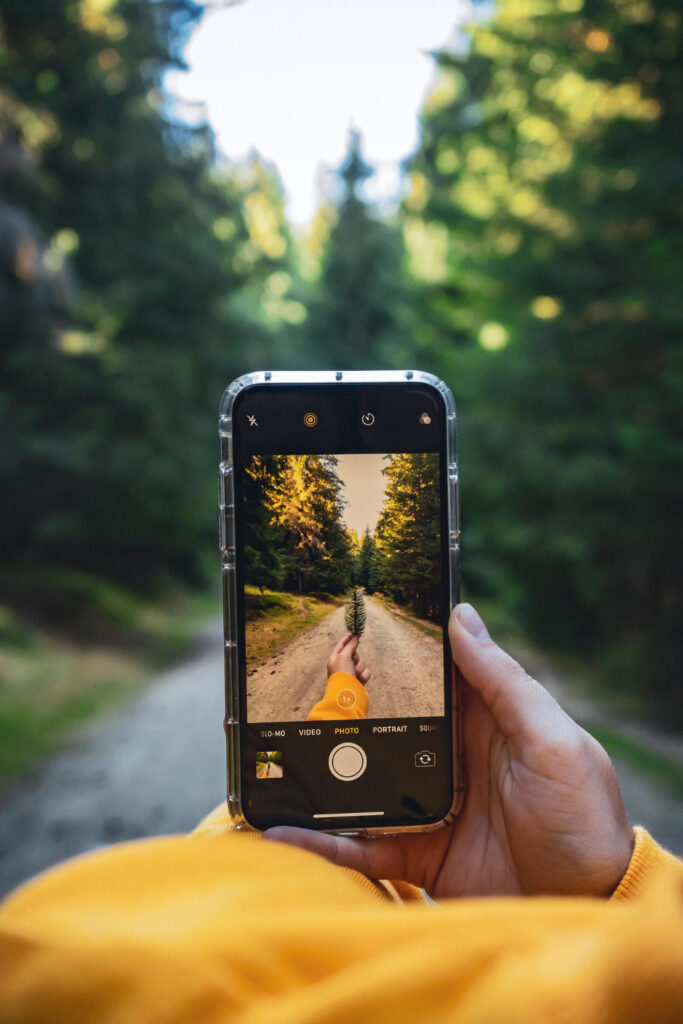
Kenya gives you more natural light than you know what to do with. The trick is using it correctly. Early morning or late evening is where you get that warm, cinematic glow that makes everything feel soft and expensive. Think sunrise in Amboseli or the glow hitting Karura’s trees before sunset.
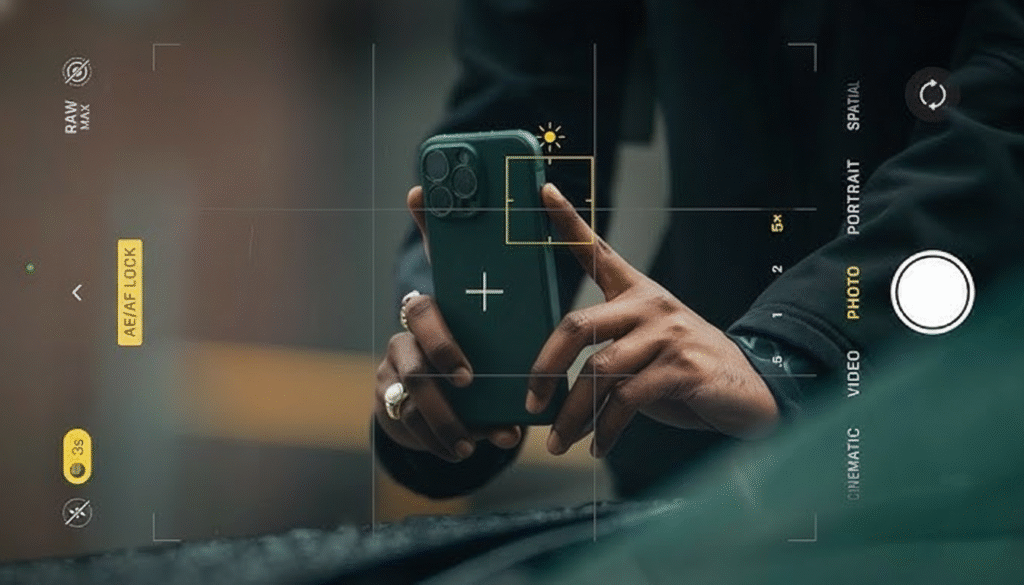
Midday, though, is a different beast. The light gets harsh, shadows go dark, faces get blown out. When shooting during the day, step into softer shade or position your subject with the sun behind them. Tap and hold on your subject to lock focus, then drag the brightness up or down. Suddenly the photo stops fighting you.
Reflections from puddles, windows, even metallic surfaces around Nairobi CBD add depth if you position your phone right. Little things like that turn a simple shot into a scroll stopper.
Use Grid Lines for Cleaner Composition
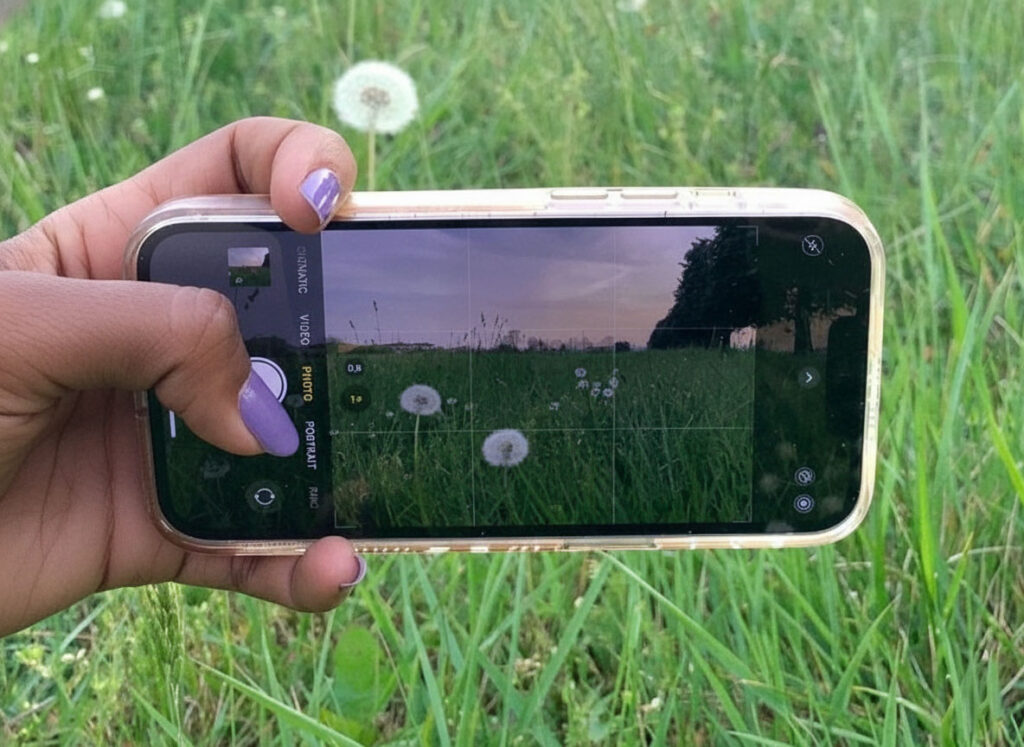
Turn on your grid lines in Settings. This instantly helps you frame shots the way professional photographers do. The rule of thirds keeps your visuals balanced instead of chaotic. Place your subject slightly off center when shooting wildlife in Tsavo or people in the city.
When you are capturing horizons, make sure they sit neatly on a grid line. It makes the shot look deliberate instead of tilted and accidental.
Treat Portrait Mode Like a Secret Weapon
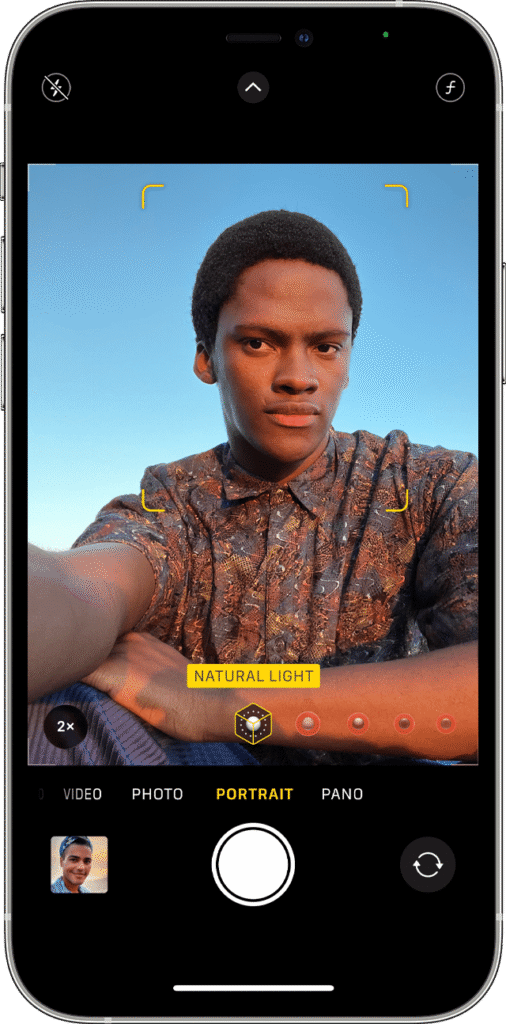
Portrait Mode gives you that creamy background blur people pay millions of shillings worth of lenses to achieve. It works beautifully for lifestyle shots, product photos for your business, or headshots for your brand.
Once you take the photo, open the edit menu and play with the f stop slider. Tighten the blur for a dramatic effect or soften it for a natural look. This is how you make your portraits feel premium without touching a camera bag.
Let Kenya’s Colors Do the Heavy Lifting
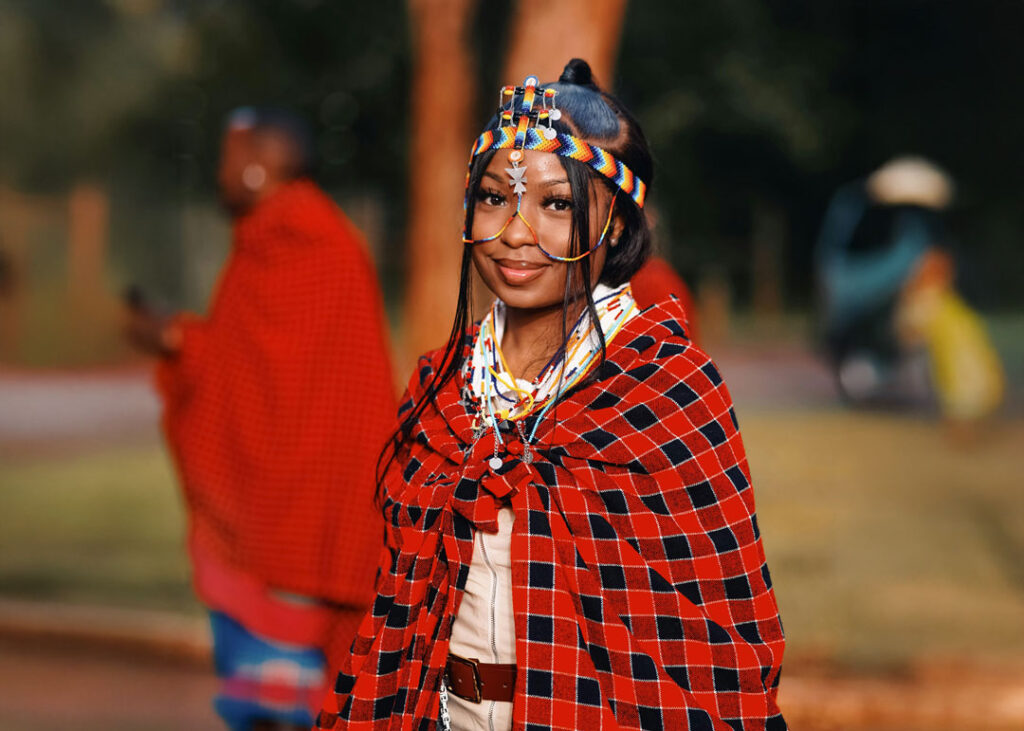
Kenya is not shy about color. Maasai shukas, Gikomba fabrics, Mombasa sunsets, Nairobi murals, even the dusty red ground in the Rift Valley adds emotion to your shots.
Turn on Smart HDR to capture detail in bright skies and darker shadows. At night, your phone will switch into Night Mode automatically. Hold still for a second and you will get surprisingly sharp low light photos.
Twilight is a cheat code. That short window after sunset creates a mix of sky blue and warm streetlights that makes everything look cinematic.
Make Your Videos Look Like They Belong on a Channel
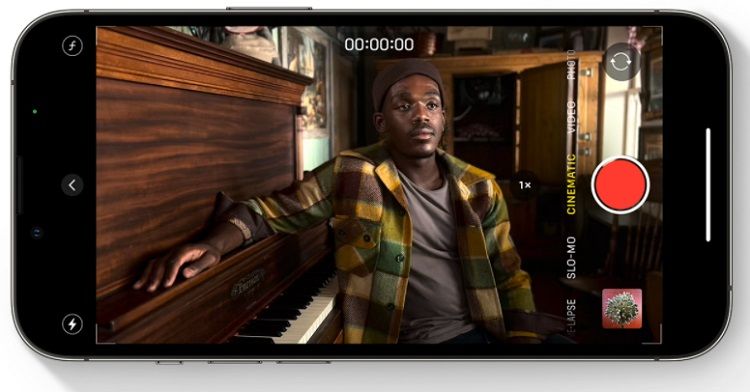
If you make content, Cinematic Mode is basically Apple saying here, go make films. Use it when shooting at Sheldrick Wildlife Trust, Uhuru Park, Karura, or even for product demos. It shifts focus between subjects automatically which gives your videos a professional storyline feel.
Record in 4K 60fps for sharp, smooth footage. Edit it in CapCut, iMovie, or Final Cut if you want to take things up a level. Even simple social posts will start looking intentional instead of hurried.
Tell Better Stories, Not Just Better Photos
The best Kenyan creators are not just snapping nice pictures. They are documenting their lives. If you run a business, show the behind the scenes moments. Customers picking up orders, packaging being done, market days, deliveries, workspace moments. These feel real.
If you are a traveler, share scenes that show how a place feels rather than just how it looks. People at Likoni ferry, fishermen in Lamu, boda riders in Eldoret. Authentic beats perfect every time.
Edit Like You Respect the Original Shot
Most photos only need light adjustments. Increase vibrance slightly, warm up your tones, lift shadows just a bit, sharpen only when necessary. Stay away from heavy filters unless it is part of your brand identity.
If you want consistent aesthetics for your Instagram or business page, apps like Lightroom Mobile or VSCO will help you create your own look without washing out the details.
Kenya is a Playground for iPhone Photography
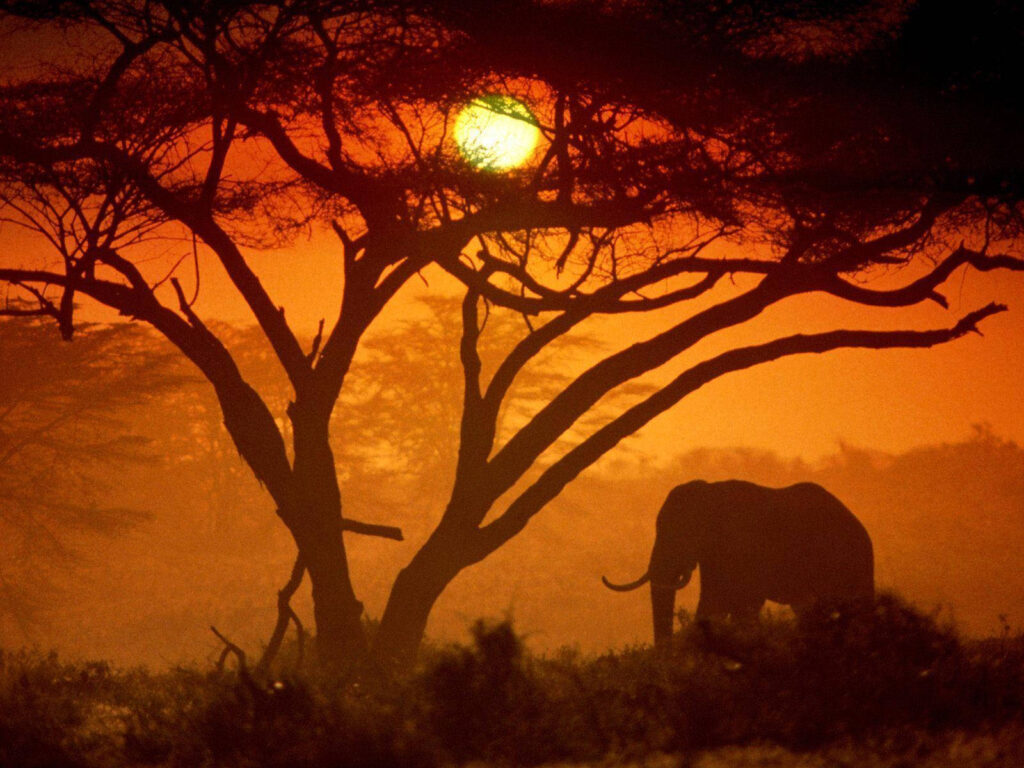
Whether you are hiking through Hell’s Gate, visiting Mt Kenya, or relaxing in Watamu, the iPhone is more than enough to capture the moment. Some top African photographers shoot exclusively on iPhone. The tech is there. The rest is your creativity.
Your surroundings are your advantage. Your perspective is the magic. In 2025, creativity is the currency and your iPhone is the tool that helps you spend it wisely.
Start Creating with the Right iPhone
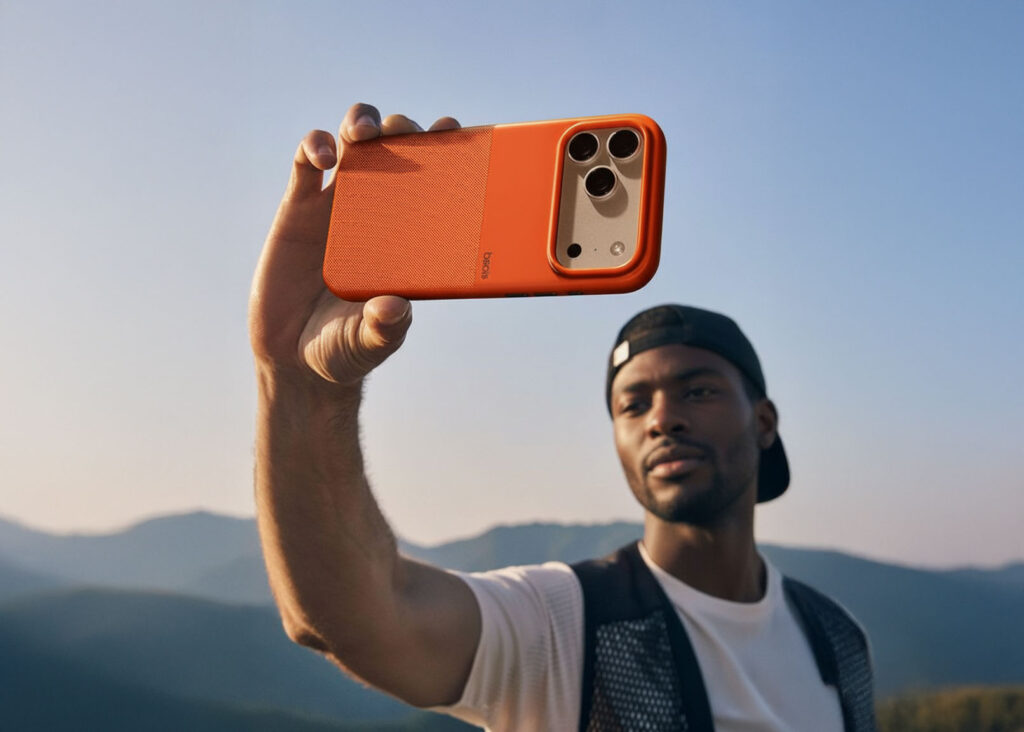
If you want a device that matches your creative vision, you can get the latest models from Applecenter Kenya with fast delivery and reliable support.
Shop genuine iPhones at Applecenter Kenya
📞 0722 986 457 or 0735 986 457