






How to Maintain Battery Health on Your Apple Devices in Kenya
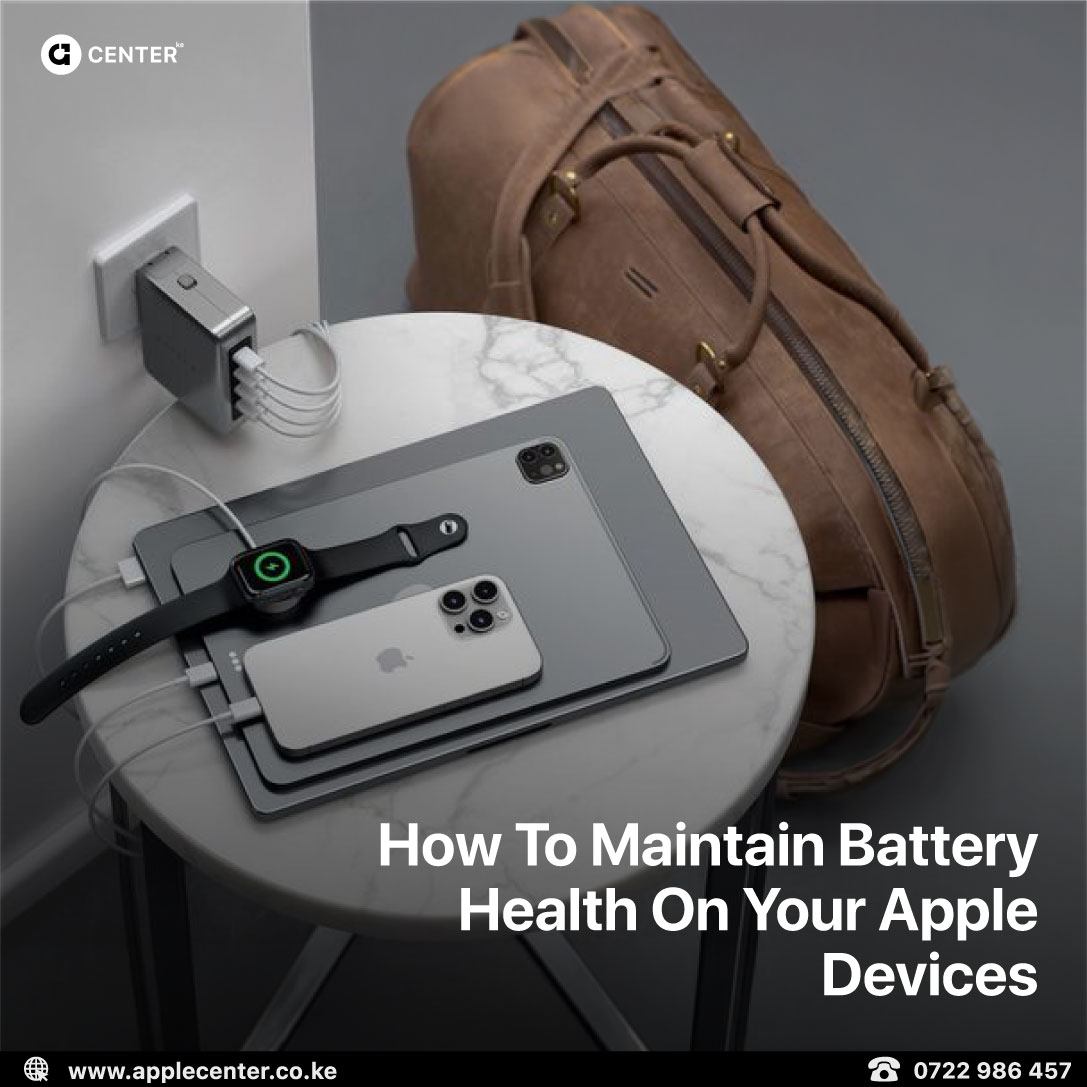
If there’s one thing every Apple user in Kenya knows, it’s this: our climate is tough on batteries. Between Nairobi’s heat, long commutes, and constant mobile use, your iPhone, MacBook, or iPad battery doesn’t just need power; it needs protection.
Apple’s batteries are built for longevity, but how you use and charge them decides how long they’ll really last. With a few smart habits, you can keep your devices running strong for years, even under Kenya’s demanding conditions.
Why Battery Care Matters in Kenya
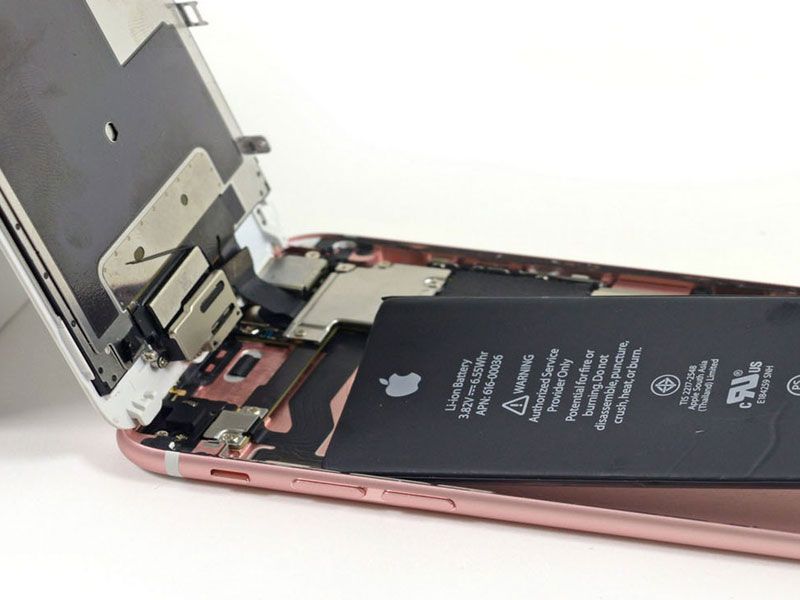
Heat is the number-one enemy of lithium-ion batteries. Nairobi might not feel scorching, but inside a car, backpack, or tight jeans pocket, your phone can easily climb past 35°C. That’s enough to start breaking down the chemical cells inside the battery.
Once that happens, there’s no going back your device that used to last all day will start dying by lunch. But with a few habits, you can slow that aging process and keep your charge going longer.
iPhone: Keep It Cool and Smart
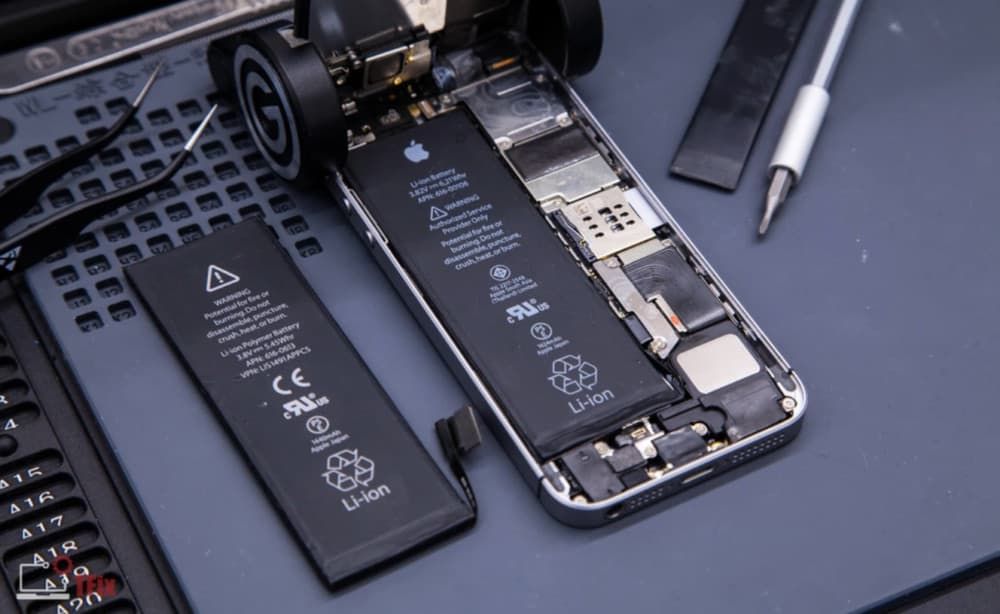
Start with the basics. Don’t let your iPhone hit 0% every day, and don’t keep it charging to 100% overnight. The sweet spot is between 20% and 80%.
Enable “Optimized Battery Charging” in your settings. It learns your routine and pauses charging at 80% until you actually need it full. That small adjustment can add months to your battery lifespan
Kenyan heat is another silent killer, so never leave your phone on a car dashboard or by a sunny window. It might feel harmless, but that heat cooks your battery from the inside.
And while we’re at it, fake charging cables are a terrible idea. They deliver unstable power that damages your device quietly over time. Always use genuine Apple or MFi-certified accessories.
Lastly, minimize background drain. Go into your settings and turn off background refresh for apps you rarely use. It may seem minor, but it saves battery in the long run.
MacBook: Avoid Living on the Charger
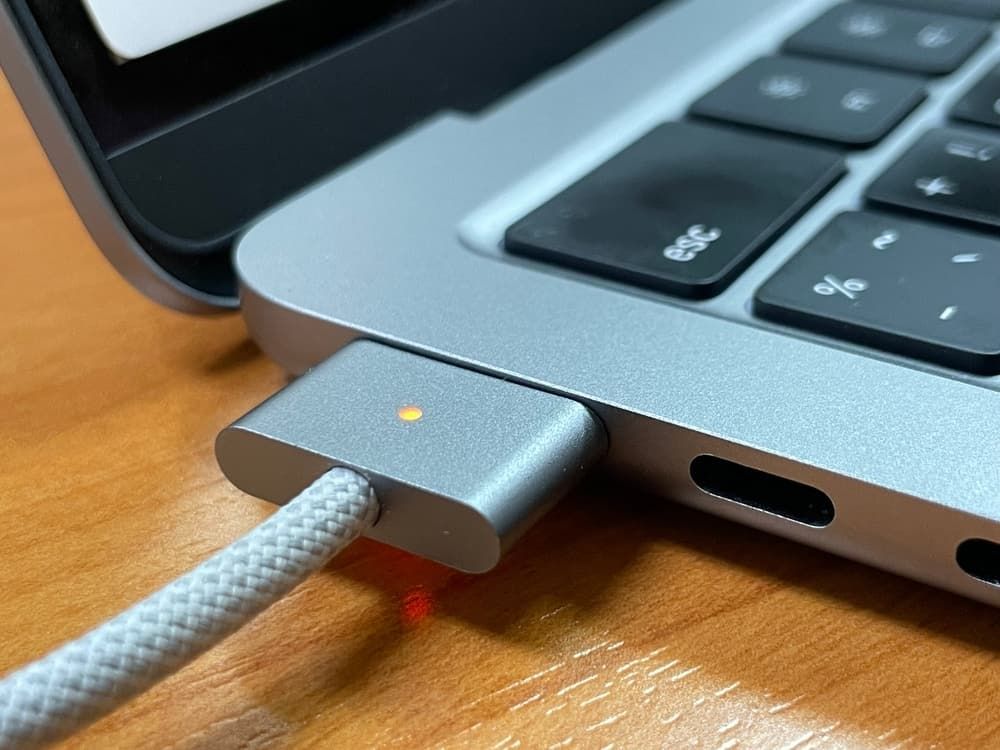
Your MacBook’s battery is bigger, but it’s not invincible. Constantly keeping it plugged in wears it down faster than you think.
Make sure “Optimized Battery Charging” is turned on in macOS, it automatically stops charging at around 80% and waits until you actually need that full charge.
Don’t use your laptop on soft surfaces like a bed or cushion. It blocks airflow and builds heat underneath, which accelerates wear. Keep it on a desk or cooling pad instead.
Every few weeks, do one full discharge cycle. Let the battery drop to around 20%, then charge it back to 100%. This helps keep the battery’s sensors accurate. And if you’re storing it for a while, leave it at about half charge, not full, not empty.
iPad: Handle Long Plug-ins Wisely

Many people leave their iPads plugged in all day on desks or stands, which seems fine but slowly stresses the battery.
Unplug it once in a while. Let it run down to about 40–50%, then recharge. This helps the battery breathe.
When traveling or reading, enable Low Power Mode. It reduces background tasks and saves juice without slowing you down.
Also, be careful with cheap accessories. Low-quality styluses and keyboards can deliver unstable voltage, which quietly damages the battery. Stick to Apple or trusted brands.
And one more thing, if you’re in warmer areas like Mombasa or Kisumu, avoid cases that trap heat. Some trap warmth around the back vents and cook the battery faster.
Apple Watch: Small Battery, Big Difference
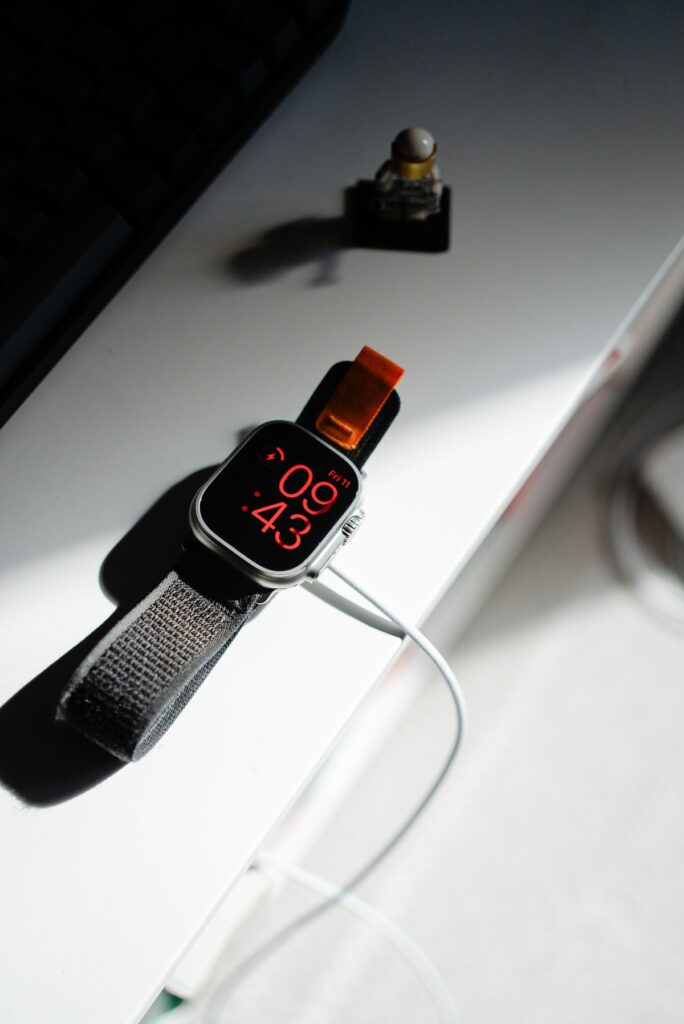
The Apple Watch might be tiny, but it still benefits from good charging habits. Try short top-ups instead of overnight charging. Plug it in while you shower or get ready, lithium batteries love partial charges.
Use Theater Mode or Low Power Mode at night to reduce screen activity. And make sure your watchOS is always up to date, since Apple often improves power management in software.
Most importantly, don’t let it die completely. Recharging at around 20–30% keeps the cell healthy over time.
Smart Habits for All Your Devices

Keep your software updated, every Apple update comes with improved battery optimization. Use Dark Mode when possible, since OLED displays draw less power on darker pixels.
Avoid using your devices while charging. That traps heat and ruins efficiency. Fast charging is fine occasionally, but don’t make it your daily routine.
Turn off Wi-Fi and Bluetooth when you don’t need them. Store your devices in cool, dry places, not in hot cars or on windowsills.
Dealing with Power Outages and Unstable Electricity
Kenya’s power cuts and voltage swings can make charging tricky. Always use a surge protector or UPS. Avoid overnight charging during unstable supply hours. And if blackouts are frequent in your area, get a power bank with regulated voltage output — it’ll protect your iPhone and iPad from nasty power spikes
Keep Your Devices Healthy
Good battery care is about more than just saving charge, it’s about keeping your device reliable for years. Whether it’s your iPhone handling calls all day, your MacBook running your business, or your Apple Watch tracking your health, the goal is the same: keep it cool, charge it smart, and use it wisely.
Because in Kenya, where the heat and power grid can’t always be trusted, smart habits are your battery’s best defense.