
iPhone Optimization Tips That Actually Work

You spent a fortune on your iPhone, so it better run like a dream—not drag like it needs therapy. Whether you’re holding onto an iPhone 11 or rocking a shiny 16 Pro Max, this 2025 checklist will keep your iPhone fast, battery-healthy, and smarter than your average coworker.
Battery Life Hacks

. Use Dark Mode to Save Battery
OLED iPhones (X and newer) actually save power by turning pixels off in dark areas.
Settings → Display & Brightness → Dark.
2. Turn Off Always-On Display (iPhone 14 Pro and newer)
Looks cool, but eats battery.
Settings → Display & Brightness → Always On Display → Off.
3. Charge Between 20% and 80%
All-day charging is aging your battery like milk. Stop it.
4. Avoid Charging Overnight
Unless you like waking up to an overcooked battery.
5. Enable Optimized Battery Charging
Your iPhone learns when you wake up and chills at 80% until then. Settings → Battery → Battery Health & Charging.
Performance Tweaks for People Who Multitask Like It’s a Sport

6. Reduce Motion for Speed Boost
Animations look nice… until they start lagging.
Settings → Accessibility → Motion → Reduce Motion.
7. Offload Unused Apps
You’re not opening Temple Run in 2025. Let it go.
Settings → iPhone Storage.
8. Free Up Space
Old memes, 10GB WhatsApp backups, and videos you forgot to delete. Time to purge.
9. Restart Weekly
Like a system cleanse. Fast, easy, and works.
10. Limit Location Access
No, that flashlight app doesn’t need your location.
Settings → Privacy & Security → Location Services.
11. Turn Off Background App Refresh
Your apps don’t need to stalk you while you sleep.
Settings → General → Background App Refresh.
12. Use Low Power Mode Like a Pro
Use it before 1% battery panic mode kicks in. Or automate it.
13. Customize Control Center
Add Low Power Mode, Notes, Screen Record — skip the scroll hunt.
14. Update iOS
Yes, that little red dot is annoying, but so is buggy performance.
Settings → General → Software Update.
Clean Up Your Digital Life
15. Turn Off Notifications That Don’t Matter
TikTok doesn’t need to tell you every time someone sneezes.
16. Auto-Delete Old Messages
They take up more space than you think.
Settings → Messages → Keep Messages → 30 Days.
17. Kill Siri Suggestions
She’s well-meaning, but nosy.
Settings → Siri & Search → Disable Suggestions.
18. Use Focus Modes to Stay Human
Work, sleep, weekend. Switch gears without distractions.
19. Use iCloud Smartly
Let iCloud handle backups and photos — free up real estate.
20. Clear Safari History
It builds up faster than Nairobi traffic.
21. Set App Limits
Because doomscrolling doesn’t help your battery or your soul.
22. Tweak Haptic Touch Speed
Make your iPhone respond as fast as your fingers.
Settings → Accessibility → Touch → Haptic Touch.
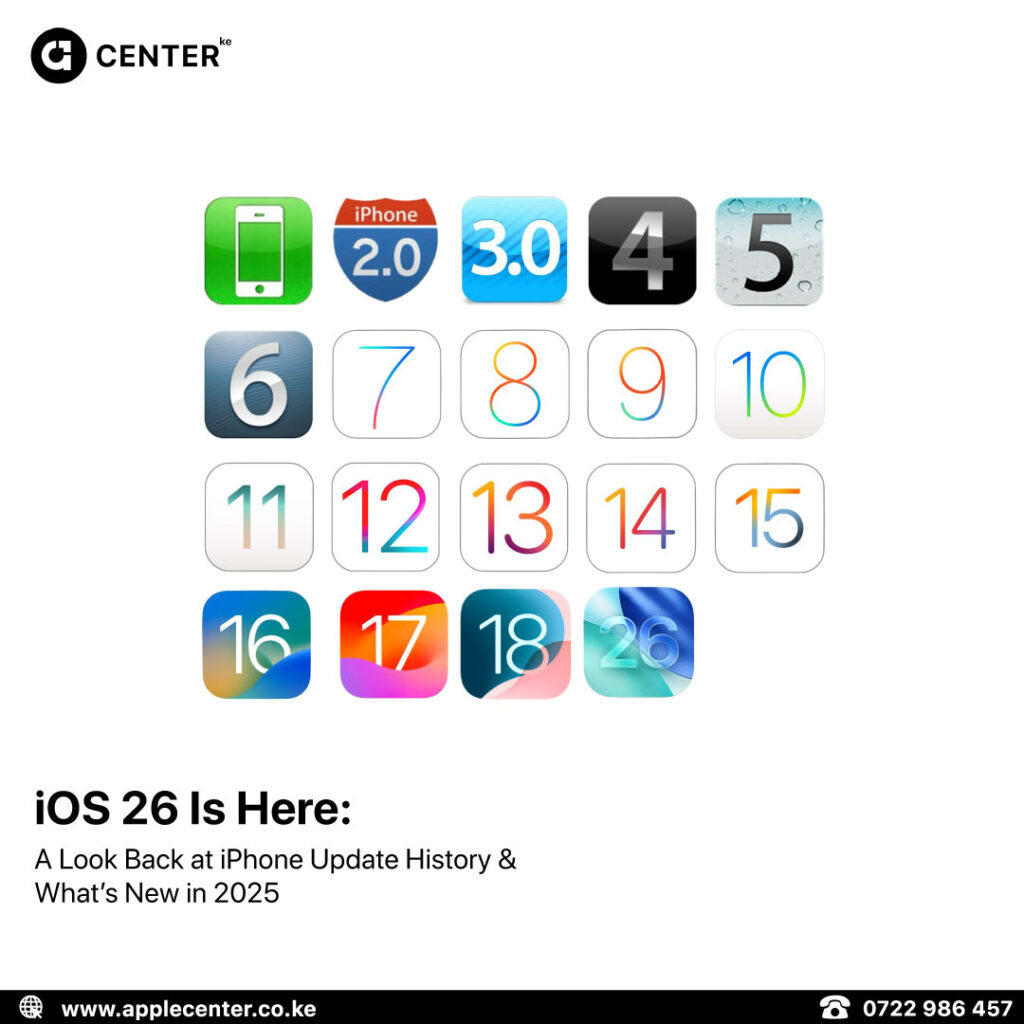
23. Prep for iOS 26
The Liquid Glass UI and smarter Siri are coming. Clean house now
Upgrade or Optimize? We Got You Either Way.
Whether you’re fine-tuning your current iPhone or thinking about an upgrade, Applecenter has your back.
- ✅ Brand-new iPhones, iPads, Macs & accessories
- ✅ Only sealed, original Apple products
- ✅ Same-day pickups in Nairobi CBD
- ✅ Fast, secure delivery across Kenya
📍 Visit: Rehema House, 6th Floor, Standard Street, Nairobi
📞 Call/WhatsApp: 0722 986 457 / 0735 986 457
🌐 Shop Online: applecenter.co.ke
Still Have Questions? Ask Us Anything.
Reply to this newsletter or hit us up on Instagram @applecenterke. We’re always here to help you get the most out of your Apple life.
Forward This to That Friend Who Has 82 Safari Tabs Open
Help them help themselves