




Mac Buying Guide 2025: Which Mac Actually Deserves Your Money?
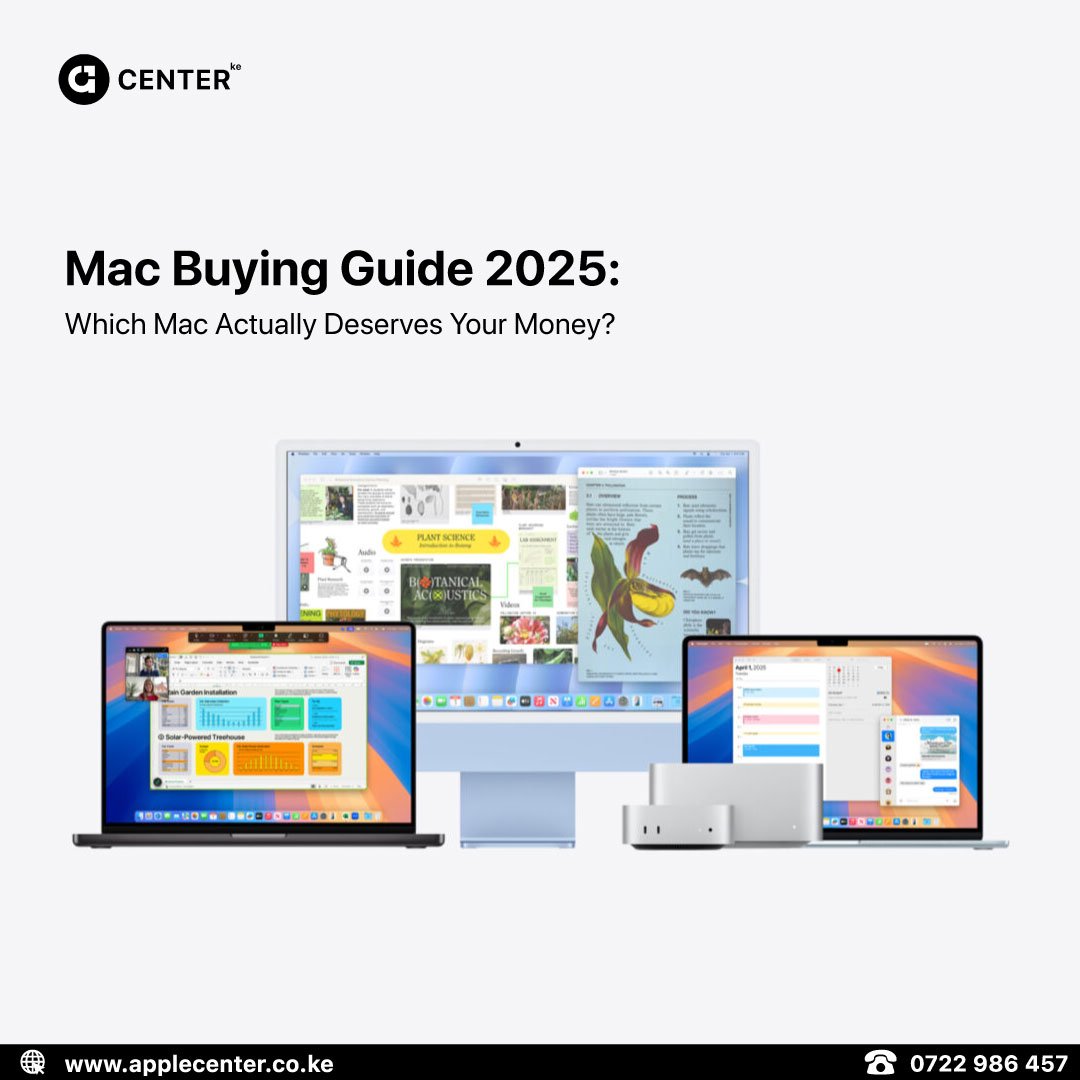
It’s 2025, and the Mac lineup is cleaner, faster, and way more confusing if you don’t know what you’re looking for. Gone are the days of comparing Intel i5s and i7s now it’s all about Apple Silicon and choosing what fits your workflow, not just your budget.
Let’s cut the noise and figure out which Mac is actually worth it for you.
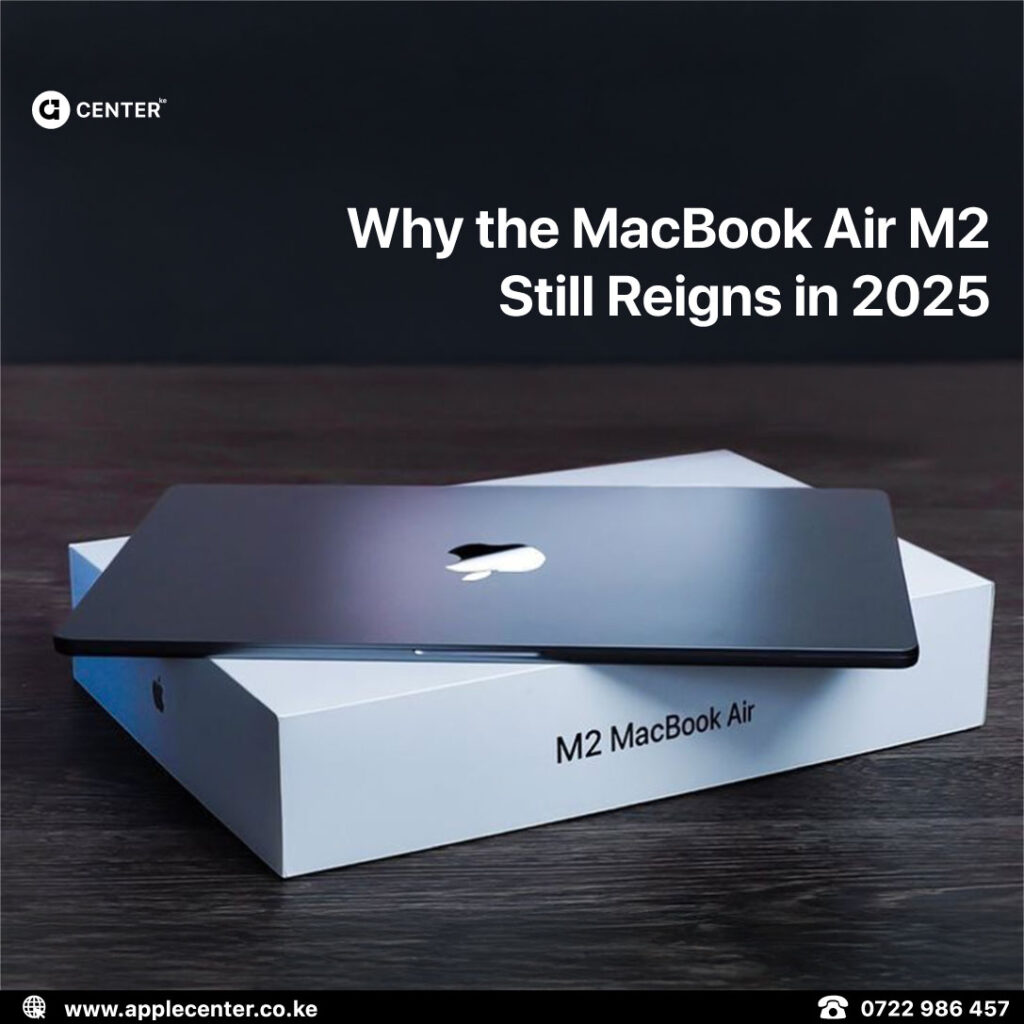
MacBook Air M1: The Entry-Level Underdog That Still Slaps
Best For: Students, writers, casual content creators, people who live in Google Docs and Netflix
Why It’s Worth It:
- M1 chip still holds up surprisingly well in 2025
- Ultra-light, fanless, and nearly silent
- 18-hour battery life that’s not a joke
- Cheapest MacBook you should still consider buying new
Pick this if: You need something reliable for school, side gigs, or everyday browsing without selling your kidney.
MacBook Air M4: The Featherweight Power Upgrade
Best For: Everyday users who want lightweight portability with proper performance
Why It’s Worth It:
- M4 chip (10-core CPU, up to 10-core GPU)
- 18-hour battery life
- Fanless design, ultra-quiet
- Now supports two external displays with lid open
- 12MP Center Stage webcam
Pick this if: You want modern power, futureproof features, and don’t need the extra muscle of a MacBook Pro.
Mac mini: The Compact Beast You Forgot Existed
Best For: Office desks, developers, video editors on a budget, people who already own a decent monitor
Why It’s Worth It:
- M2 and M2 Pro configurations available
- Small, quiet, and desktop-level fast
- Can handle Final Cut, Logic, and Xcode without a hiccup
- Way cheaper than a Mac Studio
Pick this if: You want big Mac power without a MacBook’s price tag.
MacBook Pro: The No-Compromise Machine
Best For: Video editors, app developers, photographers, 3D designers, multitasking maniacs
Why It’s Worth It:
- M2 Pro, M2 Max, M3, and M4 options (for latest models)
- Gorgeous Liquid Retina XDR displays (120Hz, crazy bright)
- Insanely good battery life for this much power
Pick this if: You open 20 apps at once, edit 4K footage, code until 3AM, or just want your laptop to feel immortal.
iMac (M3): The All-in-One Show-Off
Best For: Designers, content creators, remote workers, stylish home offices
Why It’s Worth It:
- M3 chip delivers desktop power without the studio price
- Beautiful 24-inch 4.5K Retina display
- Comes in actual colors, because grey’s not a personality
- Minimal cable mess (keyboard and mouse included)
Pick this if: You want a Mac that makes your workspace look good while keeping up with demanding apps.
What They All Have In Common
- Powered by Apple Silicon (M1, M2, M3, and M4 chips)
- Blazing-fast, whisper-quiet, battery-friendly
- Seamless updates and futureproof performance
Where To Buy Your Mac in 2025
Apple Center Kenya has them all. New models, solid after-sales support, and same-day Nairobi delivery.
- Same-day delivery (Nairobi)
- M-Pesa & Card payments
- Certified warranty